Managing and Editing Programs
Tech Support: 1-800-4BIORAD • 1-800-424-6723 • www.bio-rad.com 6-11
Moving a Program
• Select <Programs> in the Status window.
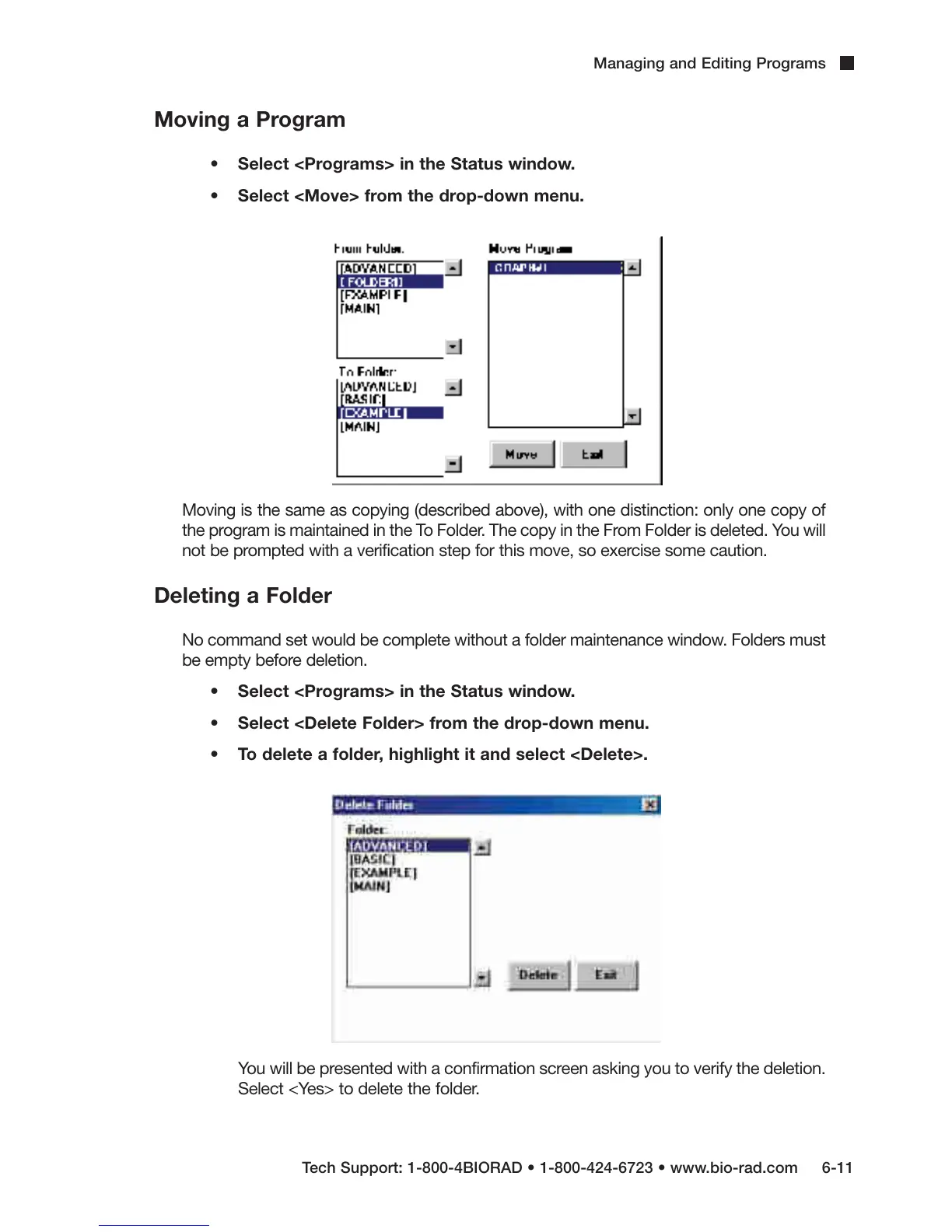
• Select <Move> from the drop-down menu.
Moving is the same as copying (described above), with one distinction: only one copy of
the program is maintained in the To Folder. The copy in the From Folder is deleted. You will
not be prompted with a verification step for this move, so exercise some caution.
Deleting a Folder
No command set would be complete without a folder maintenance window. Folders must
be empty before deletion.
• Select <Programs> in the Status window.
• Select <Delete Folder> from the drop-down menu.
• To delete a folder, highlight it and select <Delete>.
You will be presented with a confirmation screen asking you to verify the deletion.
Select <Yes> to delete the folder.



 To Next Page