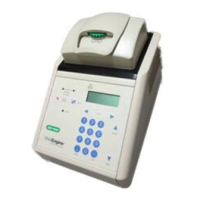
DNA Engine Tetrad 2 Thermal Cycler Operations Manual
5-36 Tech Support: 1-800-4BIORAD • 1-800-424-6723 • www.bio-rad.com
The Increment Temp Option
The Increment Temp option is useful for modifying a temperature step to allow a “per
cycle” increase or decrease of temperature each time the step is executed (see “The
Elements of a Program” near the beginning of this chapter for more information).
Move from the programming window to the Temperature Step window using the <Temp>
button, as before. Enter the appropriate incubation Temperature (enter 60 as an example)
and Time (enter 30 seconds as an example).
• Select Increment Temp.
• Select <Set Parameters> (for the Increment Temp option).
The Increment Temperature window appears.
• Select Decrease.
• Position the cursor over the by __ °C per cycle field and select.
• Enter 0.2 in the field.
• Select <OK>.
You would expect the program step as included in a protocol to appear as follows:
Incubate at 60.0°C for 00:00:30
Decrease by 0.2°C every cycle
However, such a step is not needed in our protocol, so we will continue onto
the next step, the sustained incubation.
We will include an incubation at 10°C, forever, to preserve our sample
integrity. The selections are similar to adding a temperature step, with the
exception of selecting Forever, rather than entering an incubation Time.


 To Next Page