Running Programs
Tech Support: 1-800-4BIORAD • 1-800-424-6723 • www.bio-rad.com 7-3
• Select the Temperature field and enter the desired temperature.
• Select Heated Lid if you are incubating at a high temperature and wish
to minimize condensation (refer to the “Sealing with the Hot Bonnet Lid”
section in Chapter 4 for additional information on using the heated lid).
• Select the desired block(s).
• Select <OK>.
The block(s) will now incubate at the desired temperature.
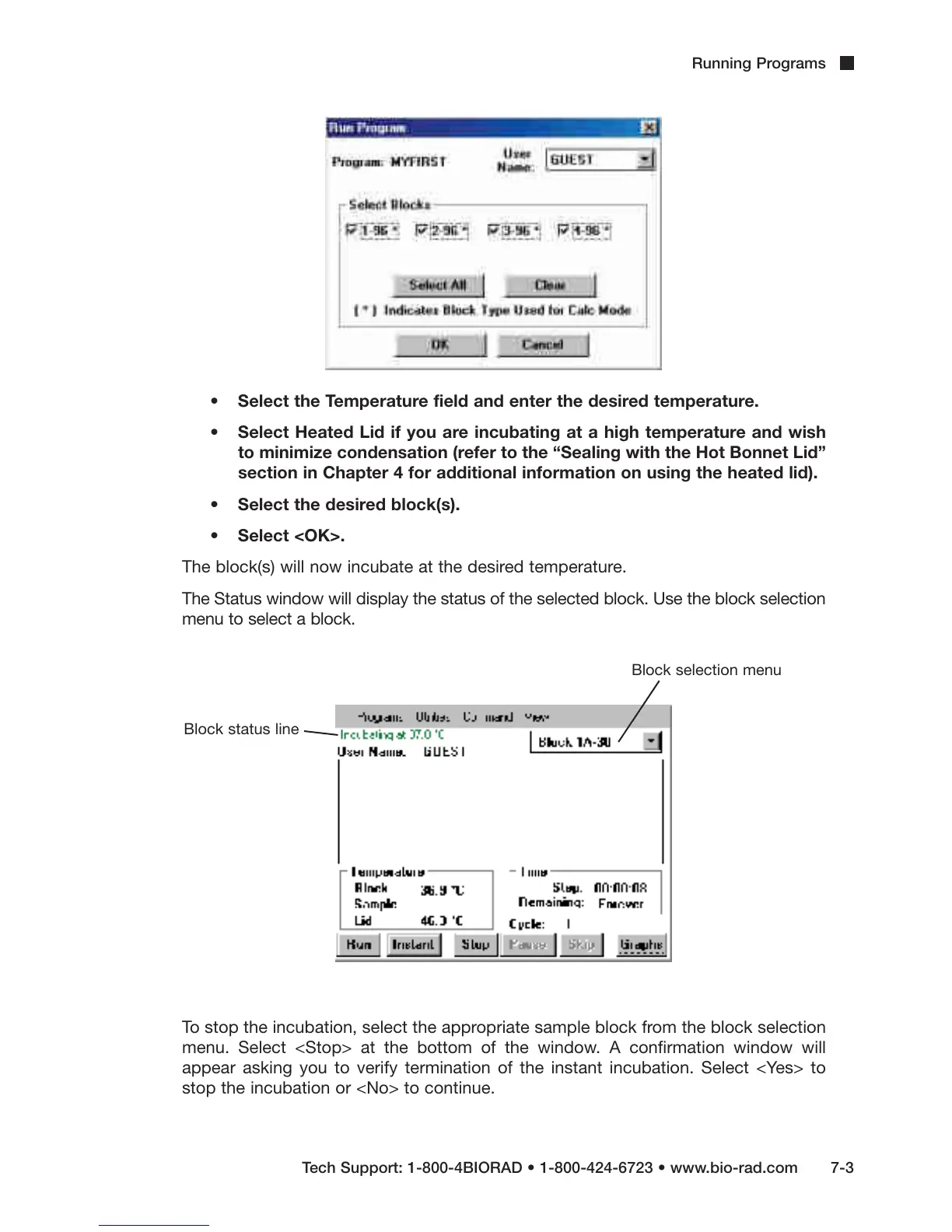
The Status window will display the status of the selected block. Use the block selection
menu to select a block.
To stop the incubation, select the appropriate sample block from the block selection
menu. Select <Stop> at the bottom of the window. A confirmation window will
appear asking you to verify termination of the instant incubation. Select <Yes> to
stop the incubation or <No> to continue.
Block status line
Block selection menu



 To Next Page