DNA Engine Tetrad 2 Thermal Cycler Operations Manual
6-10 Tech Support: 1-800-4BIORAD • 1-800-424-6723 • www.bio-rad.com
Deleting a Program
• Select <Programs> in the Status window.
• Select <Delete> from the drop-down menu.
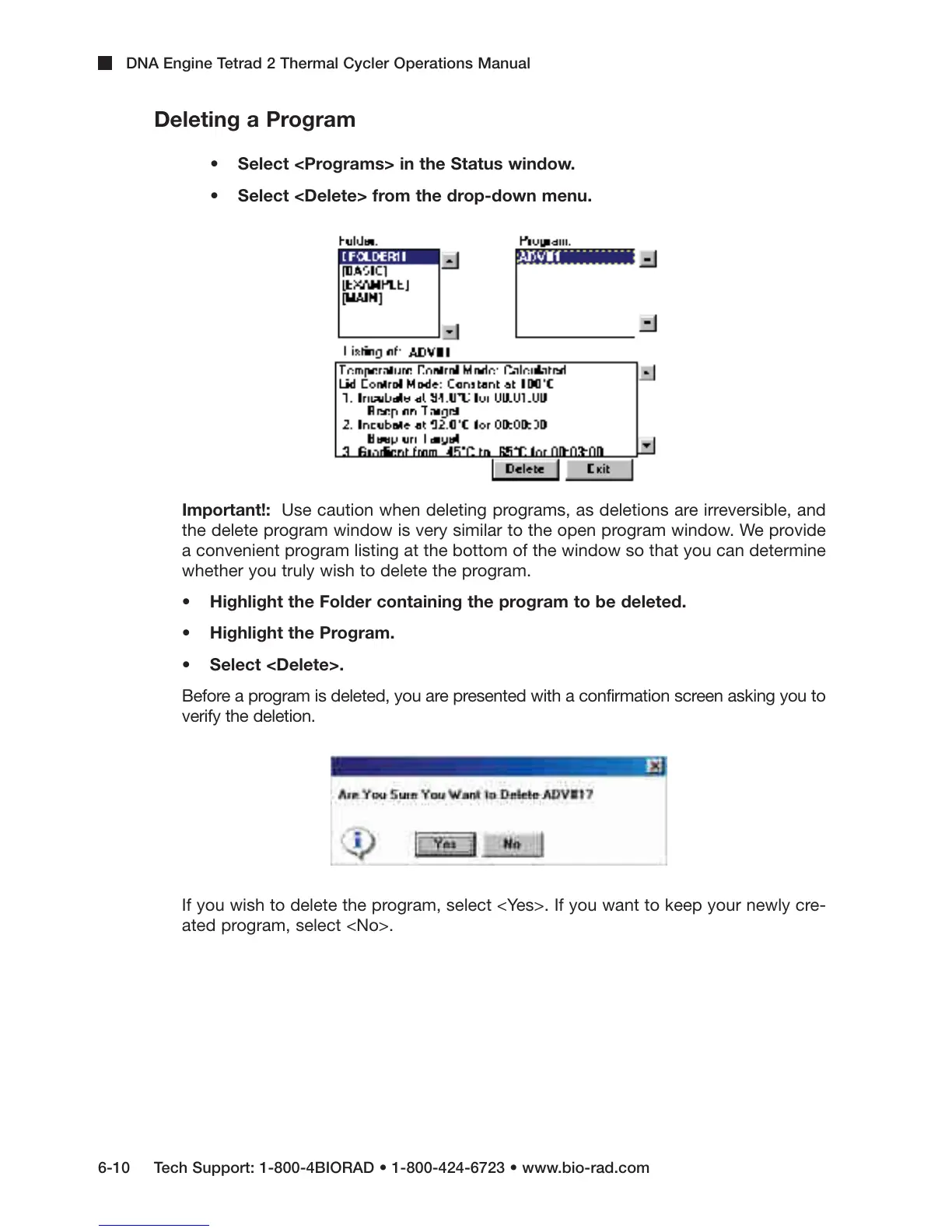
Important!: Use caution when deleting programs, as deletions are irreversible, and
the delete program window is very similar to the open program window. We provide
a convenient program listing at the bottom of the window so that you can determine
whether you truly wish to delete the program.
• Highlight the Folder containing the program to be deleted.
• Highlight the Program.
• Select <Delete>.
Before a program is deleted, you are presented with a confirmation screen asking you to
verify the deletion.
If you wish to delete the program, select <Yes>. If you want to keep your newly cre-
ated program, select <No>.



 To Next Page