Handheld monitor user’s manual
Chapter 3-3
3.3 Starting the monitor
Press the button to turn on the monitor. The alarm
indicating lamp flashes, and then goes out. The system gives
a beep and enter the main screen. For you to use the monitor
more conveniently, after starting the monitor you can make
the following setting as shown in section 3.4 first.
3.4 General Setup
Press the Left button to enter
【
Menu
】
, then select
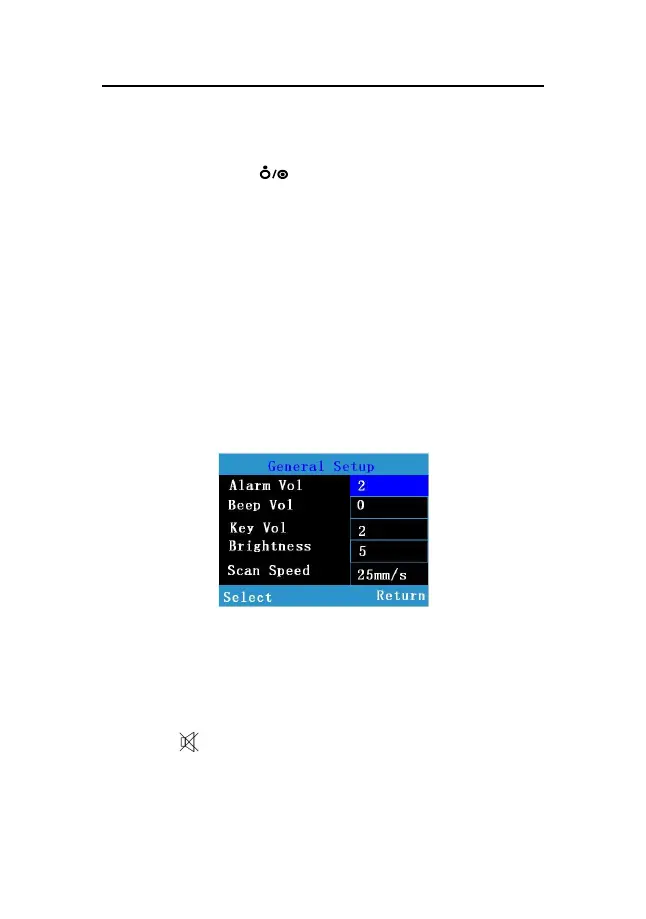
【General Setup】to enter the general setup menu shown as
follows. You can set the following parameters’ values.
Fig 3-1 General setup window
3.4.1 Beep Volume Setup
Press the Left button to select the item, then set its value
through the Up or Down button. You can select from 0 to 4.
A sign of will be shown at the bottom of the monitoring
screen.



 To Next Page