Handheld monitor user’s manual
Chapter 8-5
Caution: Do not run the pulse monitor using
alkaline batteries of different types or capacities at
the same time.
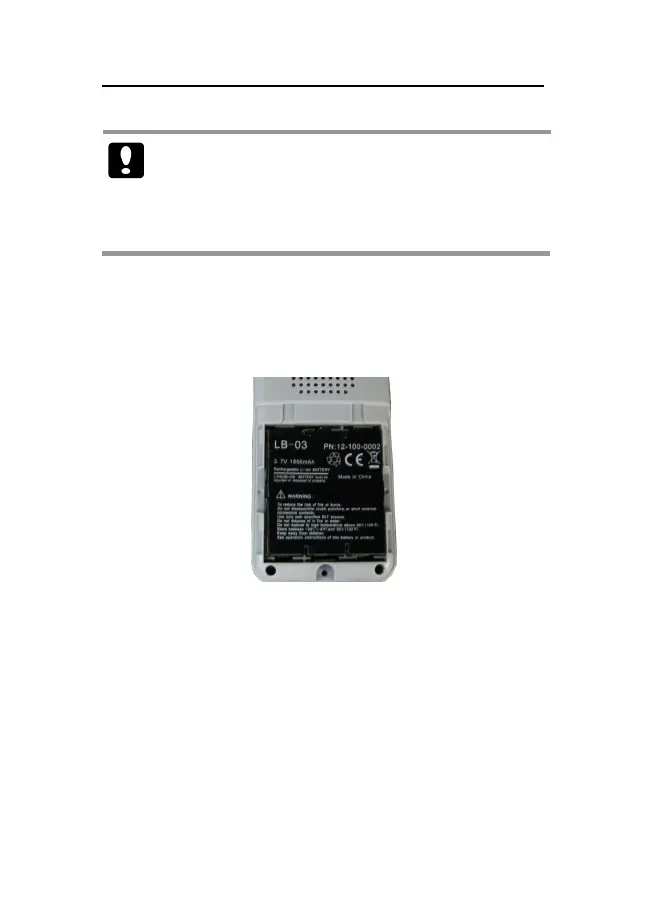
8.2.3 Installing the Lithium Ion Battery
1. Insert the lithium ion battery in the battery compartment,
following shown as follows:
Fig 8-3 Install the battery
2. Close the battery door and push it upwards.
3. Tighten the screw that secures the battery door to the pulse
monitor.



 To Next Page