Handheld monitor user’s manual
Chapter 8-3
8.2 Installing Batteries
Battery compartment is at the back of the device, please
follow the following steps to install or change batteries.
8.2.1 Opening the Battery Door
1. Turn the monitor off first.
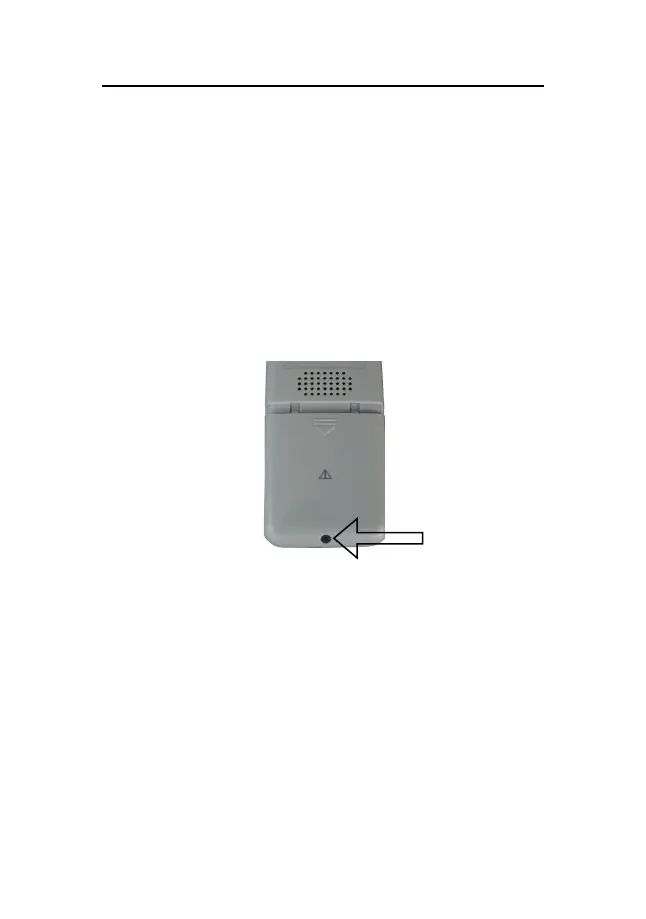
2. Use the screw driver to loose the screw that secures the
battery door to the monitor.
Fig 8-1 Loose the screw
3. Press the battery door, push it downwards and remove
the battery door.



 To Next Page