Handheld monitor user’s manual
Chapter 8-7
8.3 Charging the Lithium Ion Battery
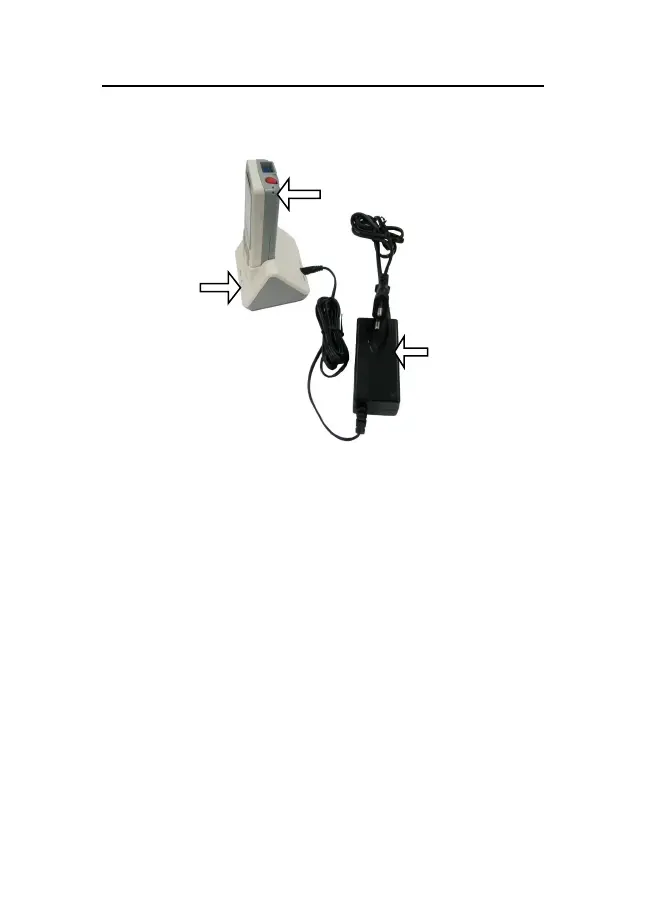
Fig 8-4 Charging device
To charge the lithium ion battery:
1. Place the pulse monitor in the charger stand.
2. Connect the AC-DC adapter and plug the adapter into
the AC mains.
3. The indicating lamp on the battery charger and the
indicating lamp on the monitor are on to indicate that
the battery is in charge.
4. When the battery charging indicating lamp on the
monitor turns off, the battery is fully charged.



 To Next Page