Handheld monitor user’s manual
Chapter 8-4
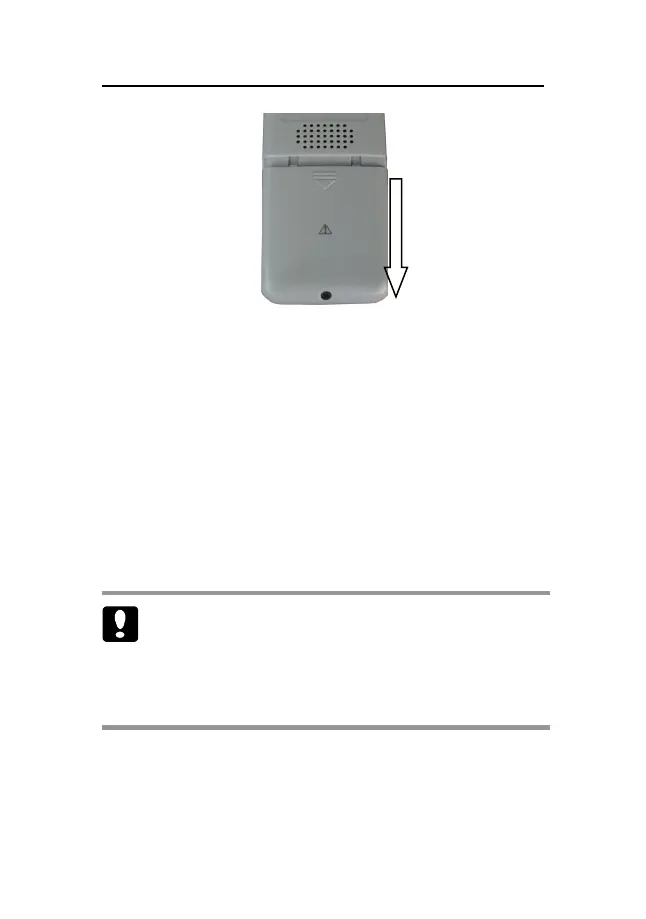
Fig 8-2 Push the battery door
8.2.2 Installing the Alkaline Battery
1. Insert the AA alkaline batteries in the battery
compartment, aligning the + on each battery with
the + shown inside the battery compartment.
2. Close the battery door and push it upwards.
3. Tighten the screw that secures the battery door to
the pulse monitor.
Caution: Check the batteries periodically for
corrosion. Replace batteries if corrosion is present,
otherwise damage to the monitor may occur.



 To Next Page