Handheld monitor user’s manual
Chapter 3-5
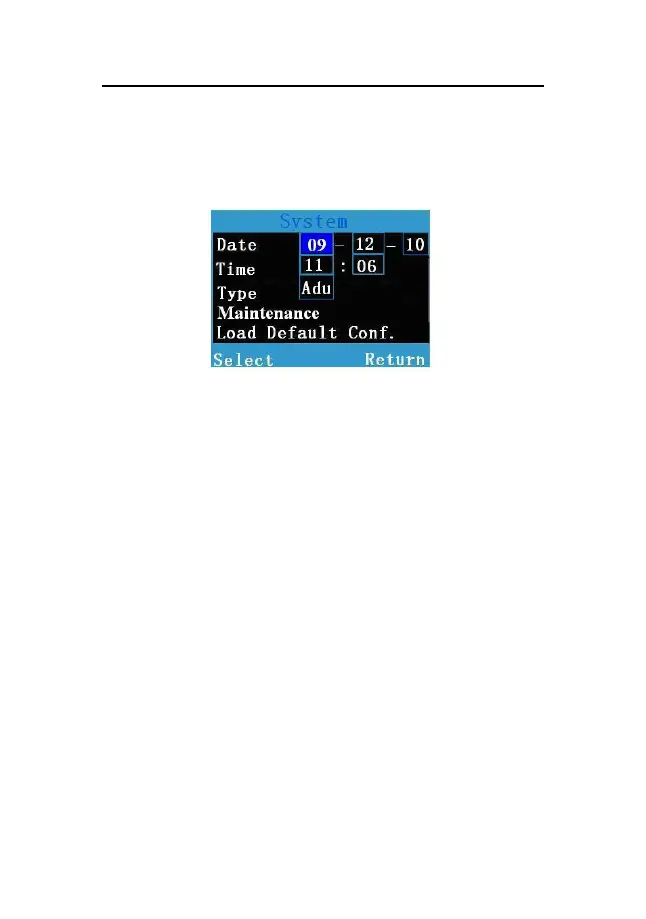
1. Select【Menu】→【System】to enter the System
menu shown as follows:
Fig 3-2 System setup window
2. Select the year, month and day on the right of
【
Date
】
, and set them to the current date.
3. Select the hour and minute on the right of 【Time】,
and set them to the current time.
3.6 Selecting the Work Mode
The monitor is designed to operate in the continuous
monitoring and spot-checking mode. Its work mode is shown
in the technical alarm area. You can set the monitor’s work
mode as following steps:



 To Next Page