N-18 Rev F
InStallatIon
N-18
prInter contraSt
This setting will adjust the printer contrast for meters with a serial number starting
with 29901.
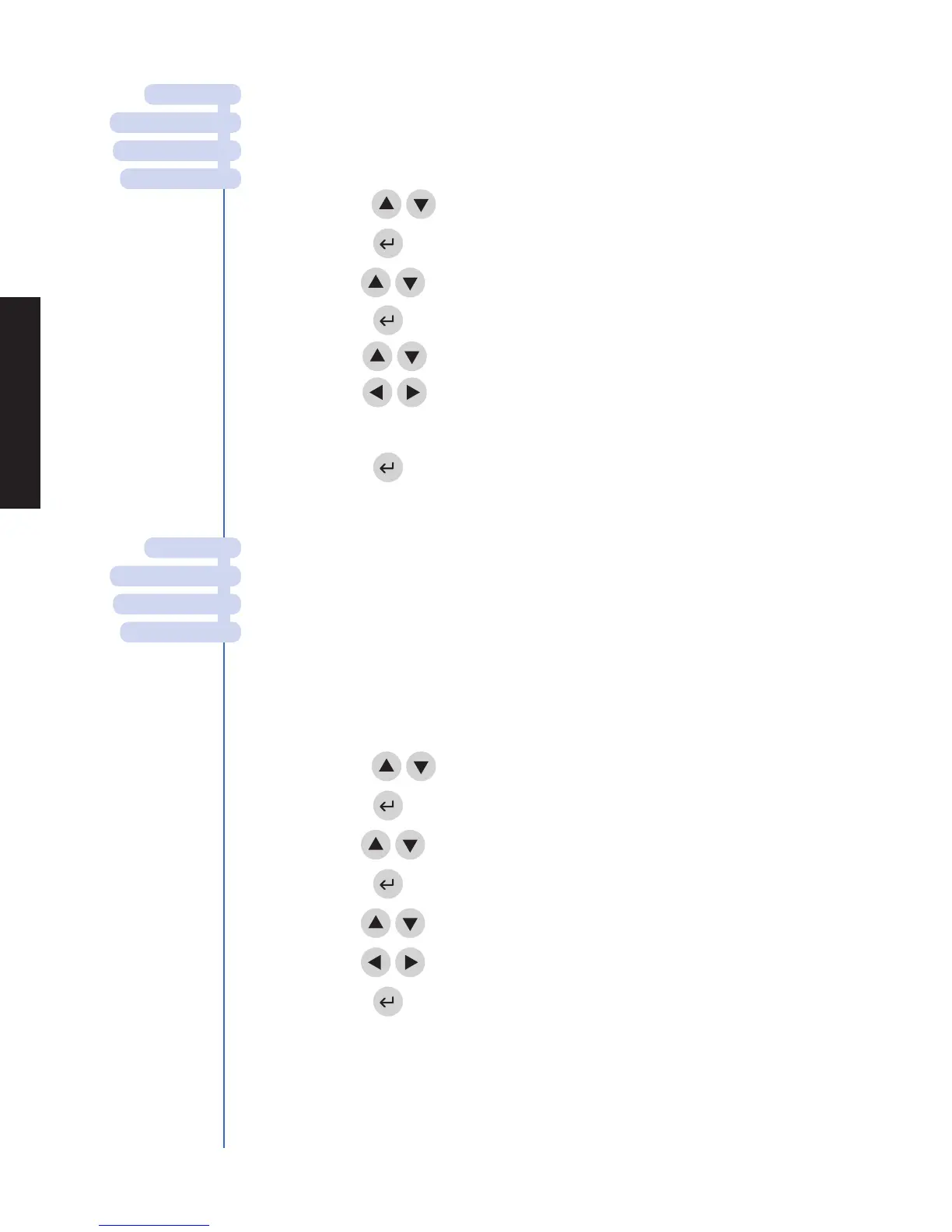
1. From a list of programmable parameters, choose meter SettIngS
using the
keys.
2. Press the key.
3. Use the
keys to select
prInter contraSt.
4. Press the key.
5. Use the
keys to select the number to the right of contraSt.
6. Use the
keys to change the contrast of the meter’s screen.
The range is from 0 – 8 (8 being the greatest contrast).
7. Press the key to save changes.
communIcatIon SettIngS
Prior to activating the LIS feature, obtain the meter’s serial number located underneath
the meter and call Biosite Technical Services at 1-877-441-7440.
The Biosite Technical Services Representative will provide you with a password that, when
entered, will allow data to be transmitted.
Baud rate
1. From a list of programmable parameters, choose meter SettIngS
using the
keys.
2. Press the key.
3. Use the
keys to select
comm SettIngS.
4. Press the key.
5. Use the
keys to select
Baud rate.
6.
Use the
keys to
choose 9600 or 38400.
7. Press the key.
maIn menu
Set parameterS
meter SettIngS
dISplay SettIngS
maIn menu
Set parameterS
meter SettIngS
comm SettIngS



 To Next Page