800953 Bittium Faros Manual
© Bittium Biosignals Ltd 2023
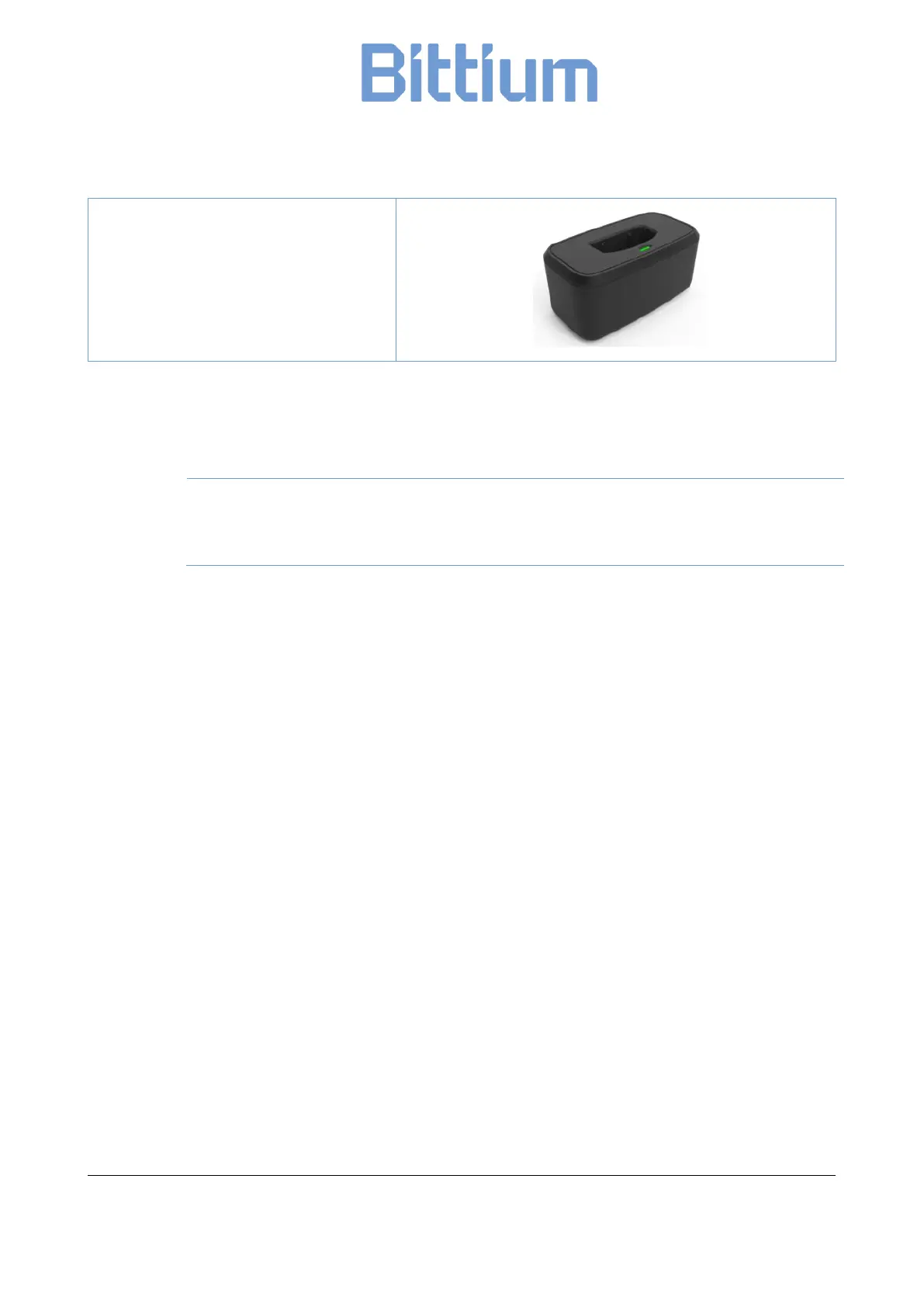
9404724 Bittium SafePort (a docking sta-
tion with USB cable)
4.4 Recharging the battery
It is recommended to recharge the battery to full capacity before use.
Make sure that the device is completely dry, especially the USB connector, before you start
to recharge your Faros device. No moisture is allowed in device’s USB connector area. Check
the device’s USB connector for dust and remove it with paper towel.
If there is moisture on the device, let the device dry for 2 hours before you plug it into a computer via USB
cable for charging.
Use the USB cable delivered with your Faros ECG device to connect the device to your personal computer.
1. Plug the USB cable to your computer.
2. Plug the other end of the USB cable to your Faros device. Blue light indicator starts to blink. Blue
light indicator shines continuously when the device’s battery is fully charged. Recommended
recharge time is 1.5 hours.
3. Unplug the USB cable from the Faros device and the computer.


 To Next Page