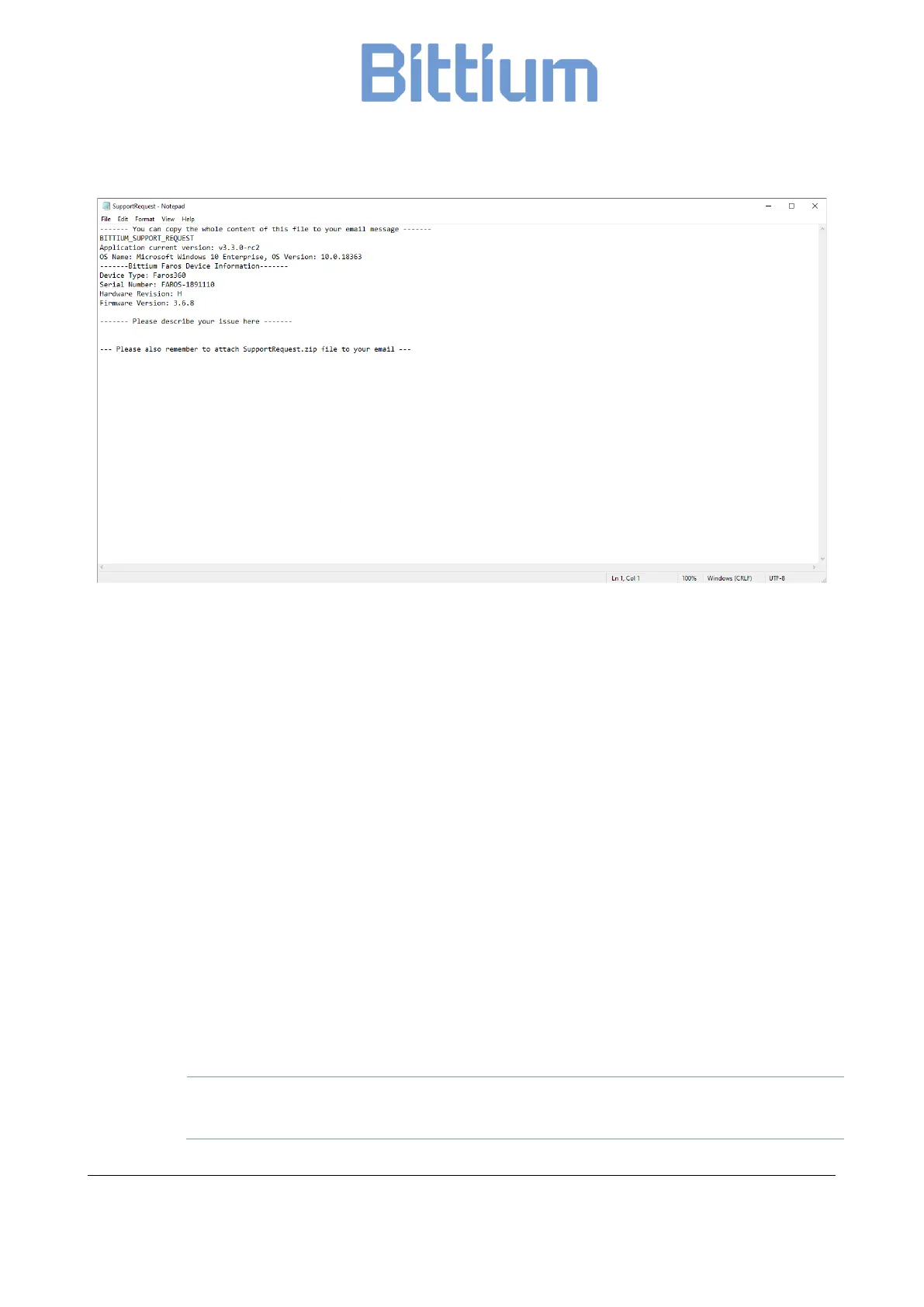
Figure 24 Support Request view
This will create a SupportRequest Note pad file in which you can enter details of your issue and which you
can then copy/paste as your e-mail message content. Also, a File Explorer location will be opened with a
SupportRequest zip file which automatically contains the relevant data from the software at the time the
request was made. By default, the location of this file is:
C:\Users\yourusername\AppData\Roaming\Bittium Biosignals Ltd\Bittium Faros Manager\Support
Remember to add the SupportRequest zip file to your request and send the e-mail to medi-
cal.support@bittium.com
9.2 Cleaning
9.2.1 Faros device, Bittium Safeport and cable sets
The Faros device, Safeport and cable sets can be cleaned by wiping the device using a non-fluffing cloth
dampened with cleaning fluid such as mild hand soap solution, or water. A non-fluffing cloth dampened
with non-alcoholic disinfection fluid can be used for disinfection. Recommended way of cleaning: non-
alcoholic cleaning and disinfection wipes for medical devices, for example mikrozid® sensitive wipes.
Do not use cleaning fluid which includes ethers, ketones or partially halogenated or
aromatic hydrocarbons! Make sure that USB connectors are dry before use!


 To Next Page