800953 Bittium Faros Manual
© Bittium Biosignals Ltd 2023
data). For more information about SDF and ASC file specifications, please refer to this document: 800608
eMotion LAB User Manual.
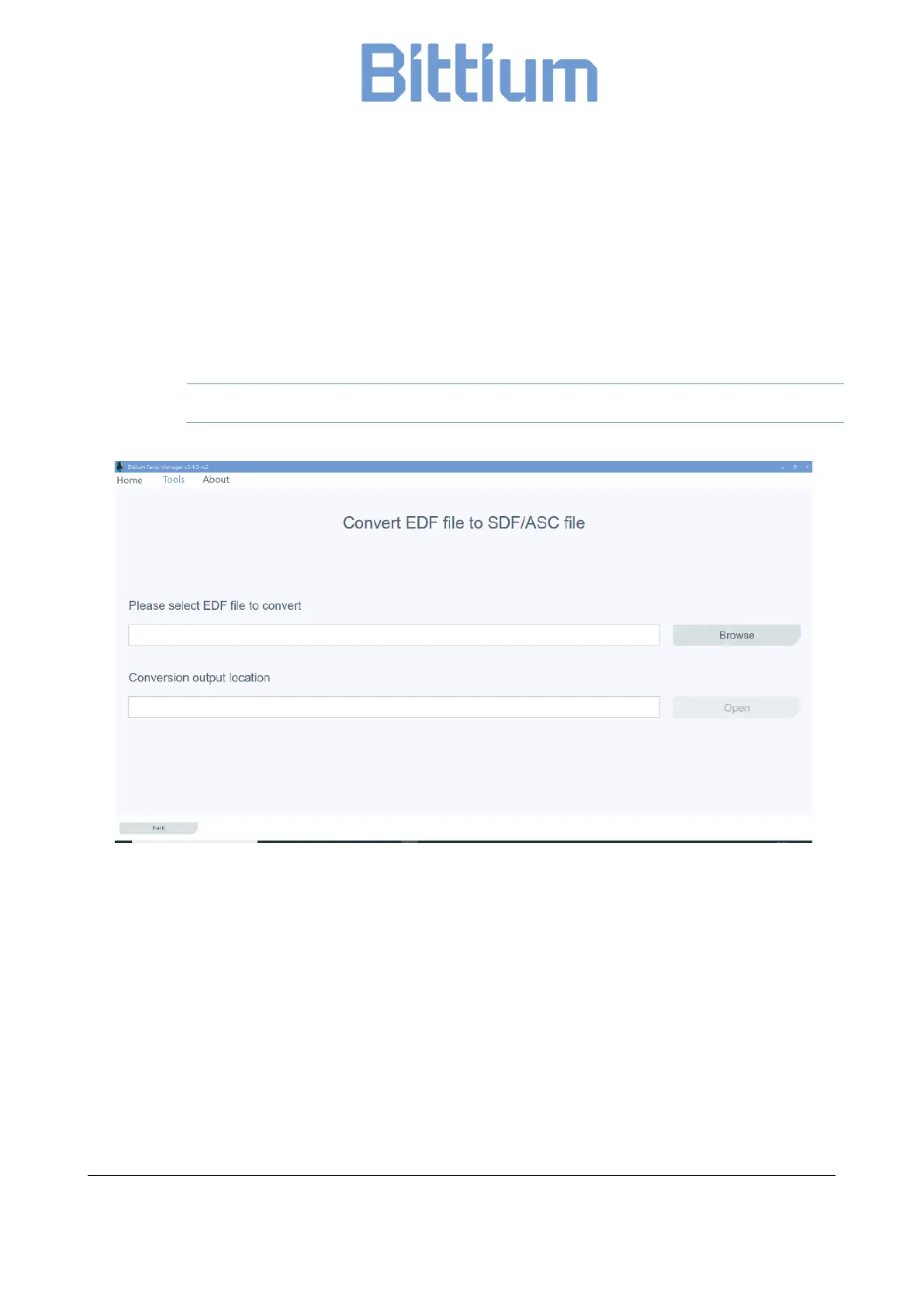
1. Select ‘Tools’ in the main view and then ‘Convert EDF file to SDF/ASC file’.
2. Select the EDF file to convert by clicking ‘Browse EDF file’.
3. Click ‘Open’ to convert the file. File conversion starts.
If you want to view the save location of the converted file, click ‘Open Output Folder’.
Files including just raw ECG data (no R-R, no ACC) cannot be converted to SDF/ASC.
Figure 23 Convert EDF file
9.1.4 Support Request
If you encounter any issues or you would like to give us some feedback, you can easily send a support re-
quest to us by using “Support Request” tool in “About”.


 To Next Page