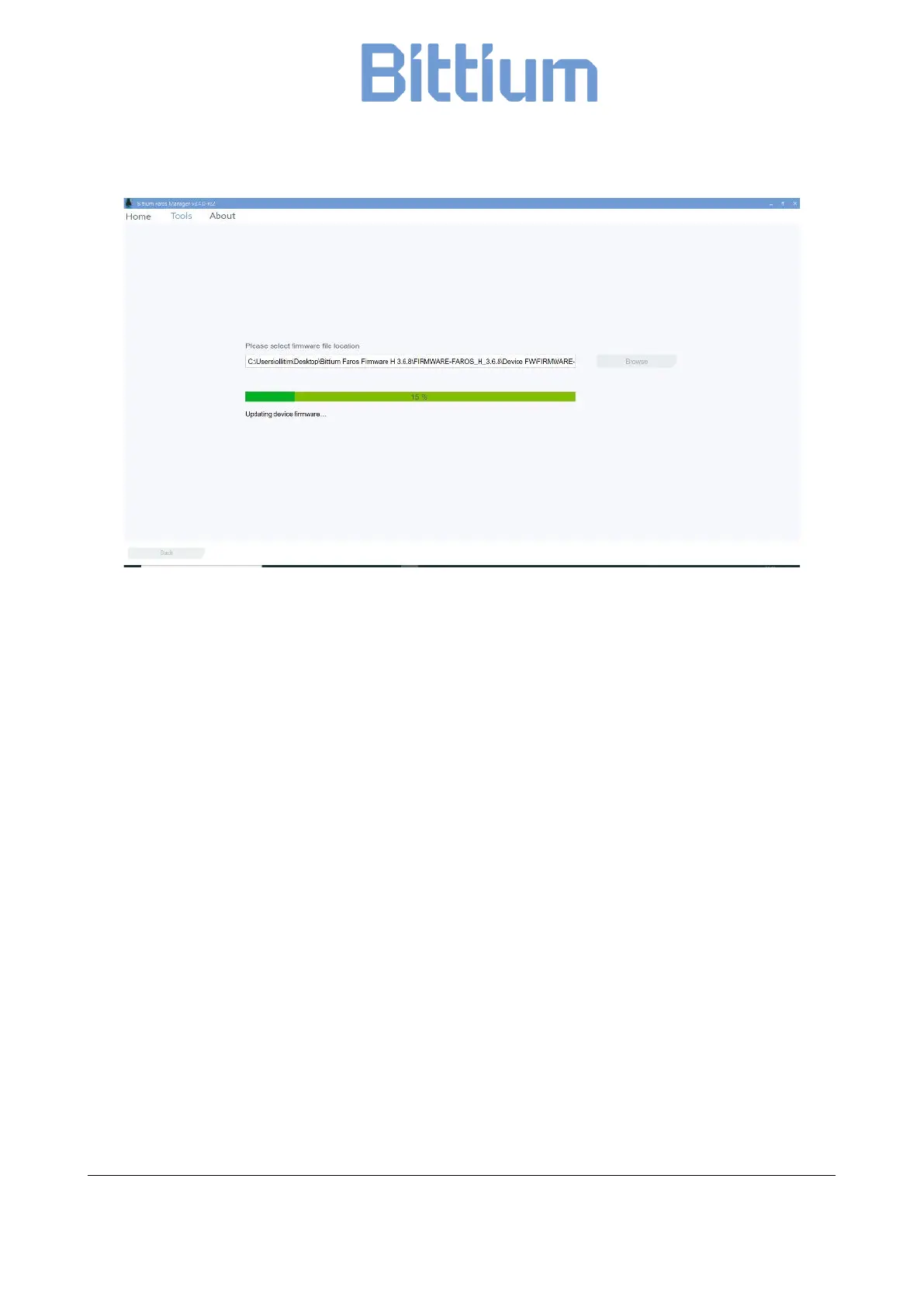
Figure 22 Firmware update ongoing
In case Faros device is not recognized at all after the update it must be reset.
1. Close the Faros Manager and open it again.
2. Press and hold the Pushbutton on the Faros device for 10-12 seconds.
3. Faros Manager will search for the device and open the update view again.
Attentions with firmware update process
• During this process, please note that you MUST NOT disconnect the updating device with PC as it
will fail the update process.
• Also, the procedure may not run successfully the first time and it will automatically try to run two
times more. This happens when you see the green progress bar run to 50 %, then drop to 0 % and
run again. Please keep the device connected to the PC and let the software run normally. If there is
an error with the process, it will show at the end of the process.
• After update firmware recovery, there is a possibility that the device name before the update will
be lost.
9.1.3 Convert EDF file to Suunto SDF or ASCII file format
Faros device stops supporting measurement in SDF/ASC format from firmware version 3.2.x onwards. In-
stead, Faros Manager provides users with a new tool called “Convert EDF to SDF/ASC” which helps in
choosing and converting an EDF file to SDF file format (HRV signal) and ASC (ASCII format for accelerometer


 To Next Page