EasyManua.ls Logo

Bittium Faros - Measurement Configuration

Bittium Faros
80 pages
Print Icon
To Next Page IconTo Next Page
To Previous Page IconTo Previous Page
Loading...
800953 Bittium Faros Manual
32 (80)
Version 7.0.0
© Bittium Biosignals Ltd 2023
6 MEASUREMENT CONFIGURATION
The measurement configuration is managed with Faros Manager software.
1. Connect Faros device to computer and run Faros Manager software from desktop icon.
a. If Faros Manager software is not installed, browse to “FAROS_DATA/Softwarefolder on
device hard drive and run Faros Manager installer to use the Faros Manager software.
2. Set the desired measurement configuration.
3. Configure desired settings. Click “Save” button to apply the configuration. Click “Close” to exit the
application. Remove Faros device safely (see ch. 4.5.2)
Faros Manager recognizes the model of the connected device, and the configuration options are based on
the device model. The options are presented in tables below.
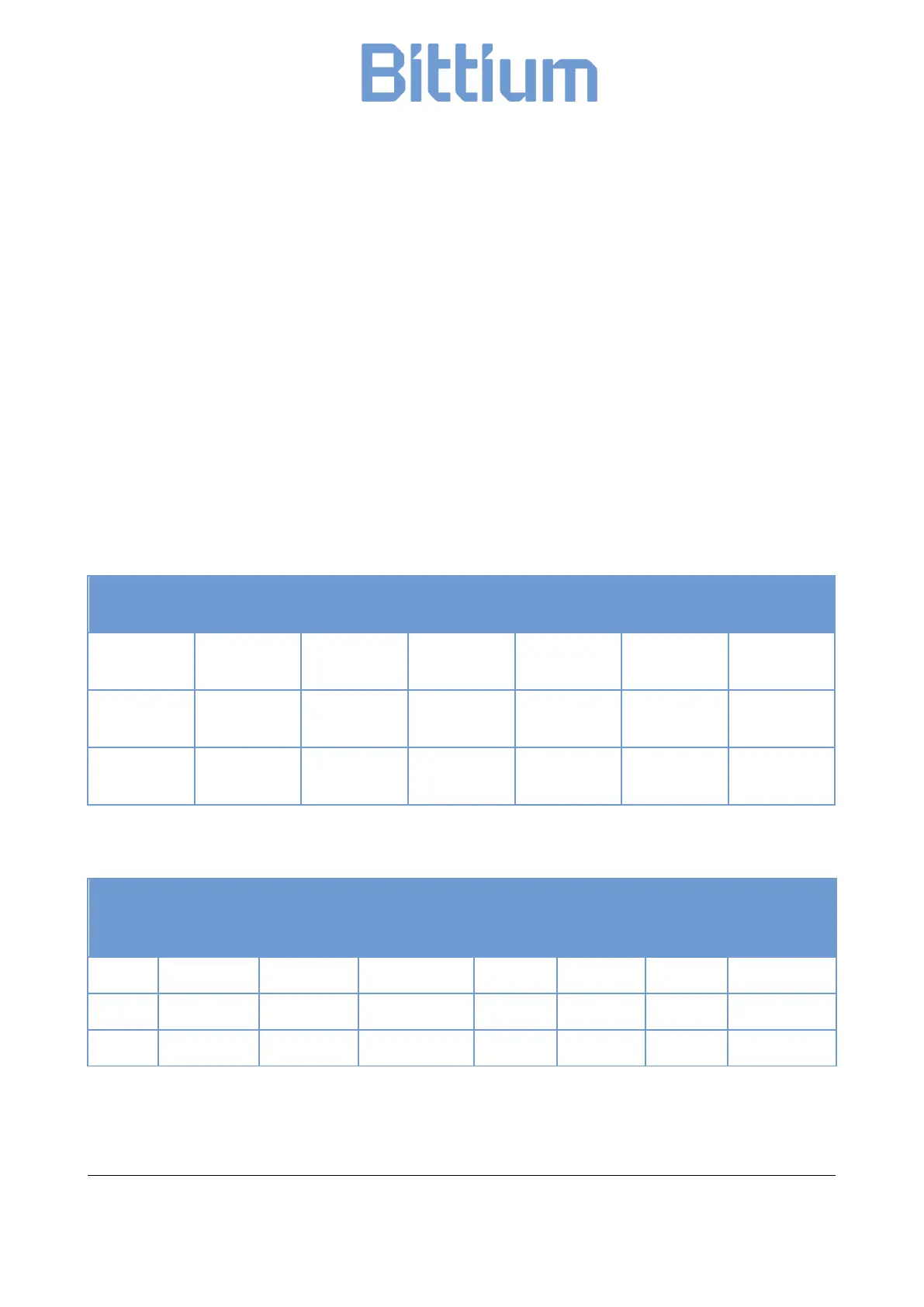
Table 6 Faros device options

Device type
Device
revision
Firmware
version
ECG sampling
ECG channels
ACC sampling
ACC range
180
0H
3.6.x or
newer
125, 250,
500, 1000
1
25, 100
2, 4, 16
180L
0I
3.7.1 or
newer
125, 250
1
25, 100
2, 4, 16
360
0H
3.6.x or
newer
125, 250,
500, 1000
1,3
25, 100
2, 4, 16
Table 7 Other Faros device options
Device
type
Bluetooth
Autostart
Ambient
temperature
Cardiac
events
Pacemaker
events
Lead off
detection
Configurable
measurement
time
180
Yes
Yes
No
Yes
Yes
Yes
Yes
180L
Yes
Yes
No
Yes
Yes
Yes
Yes
360
Yes
Yes
Yes
Yes
Yes
Yes
Yes

Table of Contents

Related product manuals