8.1.1 Review
1. Click ‘Open EDF’ in main view (alternatively select ‘File’ and ‘Open’).
2. Select an EDF record file:
a. Browse FAROS_DATA hard drive and open “DATA” folder.
b. Folder names indicate the date of performed measurement(s).
c. Browse file location from your personal computer.
3. Select the wanted folder and the .edf-file and click ‘Open’.
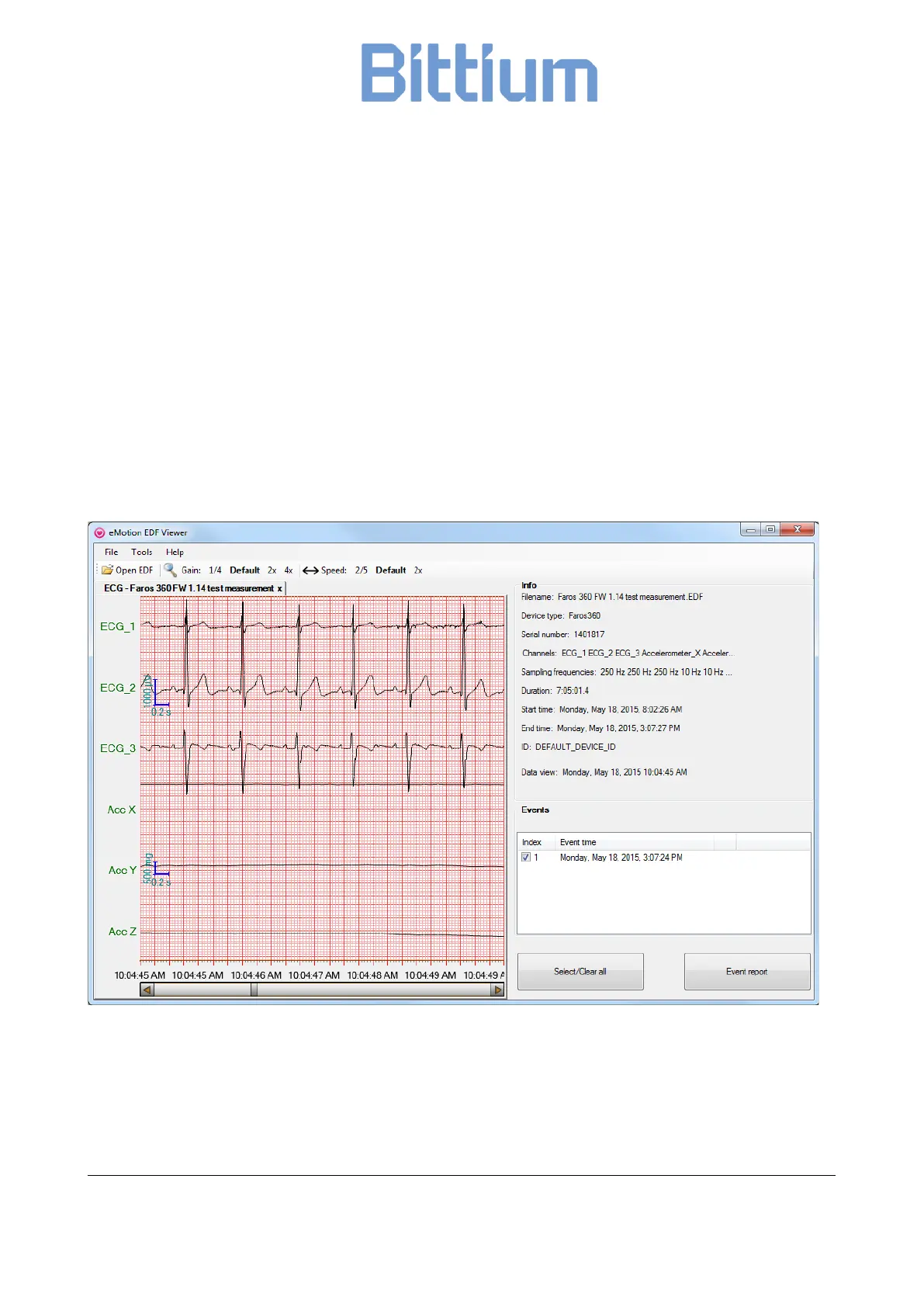
Selected data appears on eMotion EDF Viewer. Data can be reviewed using the scrollbar or arrow keys or
page up/down buttons on the keyboard.
Figure 14 EDF Viewer data view


 To Next Page