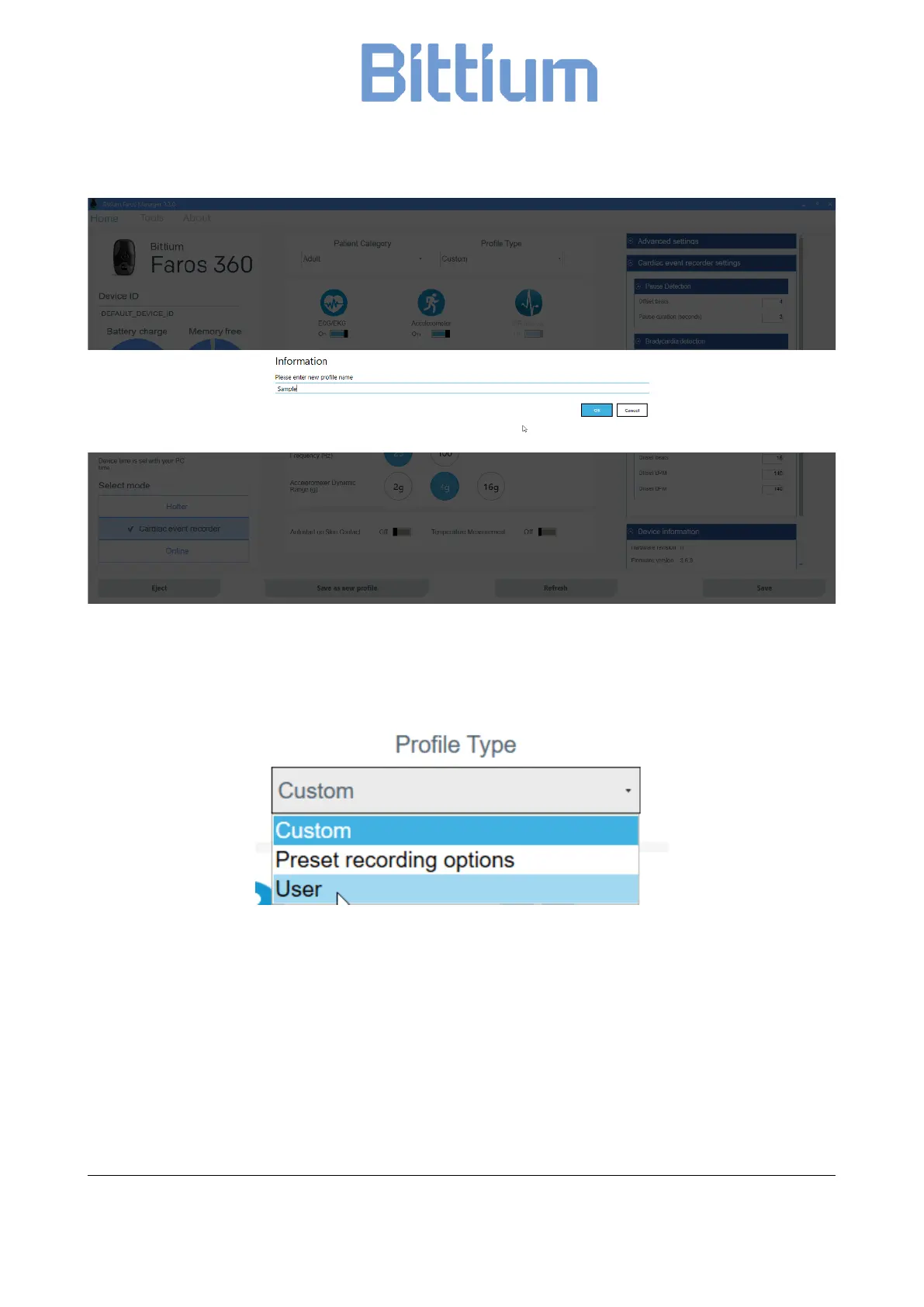
Figure 7 Enter new profile name
By choosing “User” in Profile Type list, you can find a list of your saved customized profiles on the top right
column.
Figure 8 User profile
6.4 Online mode
The online ECG data monitoring is available on Faros 180 and Faros 360 devices. Configuration for online
mode is set using the Faros Manager.
1. Run Bittium Faros Manager.
2. Select ‘Online’ from Manager main view.
3. Adjust the settings as desired.


 To Next Page