9 MAINTENANCE AND SERVICE
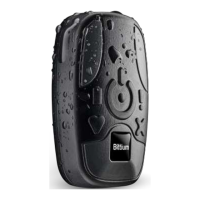
Faros device does not require any maintenance procedures except recharging the battery. Please follow
these simple precautions to ensure correct functioning:
• Handle this device carefully
• Store the device away from dusty or dirty areas
• Keep the device away from moisture or extreme temperatures
• If there is moisture in the device USB connector, let it dry for two hours before recharging
• Disconnect cable set from device when not in use
• Connect cable set only to Faros device
• Do not disassemble this device. If a problem occurs use pushbutton to reset the device.
Do not try to repair or modify the device. If you cannot solve a problem with the device, please contact
medical.support@bittium.com for support.
9.1 Tools view in Bittium Faros Manager software
9.1.1 Save measurement files
Measurement files can be saved from the Tools view by selecting ‘Save measurement files’.
1. Select the file(s) you want to save. Multiple files can be saved at the same time.


 To Next Page