2-2 International Character Set
This defines the international character set and the default value is set to BXL_ICS_USA.
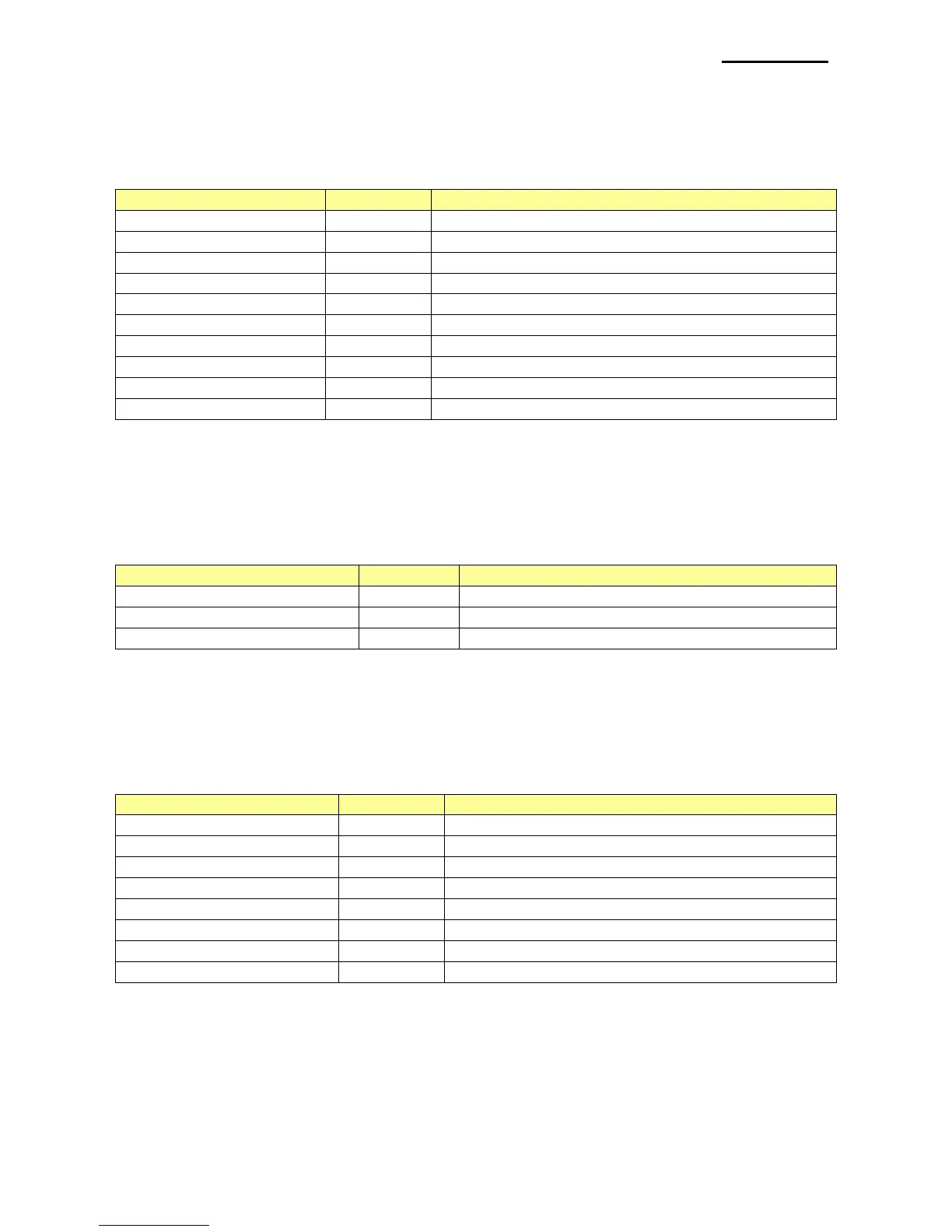
Available International Character Sets are as follows.
2-3 Barcode/Image/Text Alignment
This defines the bar code/image/text alignment and the value is set to BXL_ALIGNMENT
_LEFT.
Available settings are as follows.
2-4 Text Size
This defines the settings for the text size, and horizontal and vertical ratio can be defined
simultaneously with OR operation.
Available settings are as follows.
Set the ratio of horizontal width to X1
Set the ratio of horizontal width to X2
Set the ratio of horizontal width to X3
Set the ratio of horizontal width to X4
Set the ratio of horizontal width to X5
Set the ratio of horizontal width to X6
Set the ratio of horizontal width to X7
Set the ratio of horizontal width to X8



 To Next Page