11
1.8 7 7. 8 7 7. 2 2 6 9 BLACKBOX.COM
NEED HELP?
LEAVE THE TECH TO US
LIVE 24/7
TECHNICAL
SUPPORT
1.8 77.877.2269
CHAPTER 3: INVISAPC RECEIVERS
An InvisaPC Receiver connects to a physical PC or a virtual desktop over a TCP/IP network and decrypts and decompresses
the streams to provide video, audio, and USB connections to a user. The user is presented with typical PC connections—video out
(typically DVI), USB (typically 4 ports of USB 2.0), line out, and microphone in (see individual Receiver’s data-sheets for specific
ports provided).
The Transmitter-Receiver connection uses Black Box’s compound compression algorithm for video called Dynamic Content
Optimized Compression (DCOC). This algorithm optimizes compression based on content in the video stream and on available
network bandwidth. Standard Microsoft RDP is used for connections to Virtual Desktops. Multiple versions of RDP are supported
from RDP 8.1 to legacy versions. This allows InvisaPC Receivers to connect to Microsoft Hyper-V, VMWare ESX, and Citrix XEN
based virtual desktops as well as session host based desktops (previously called Terminal Services).
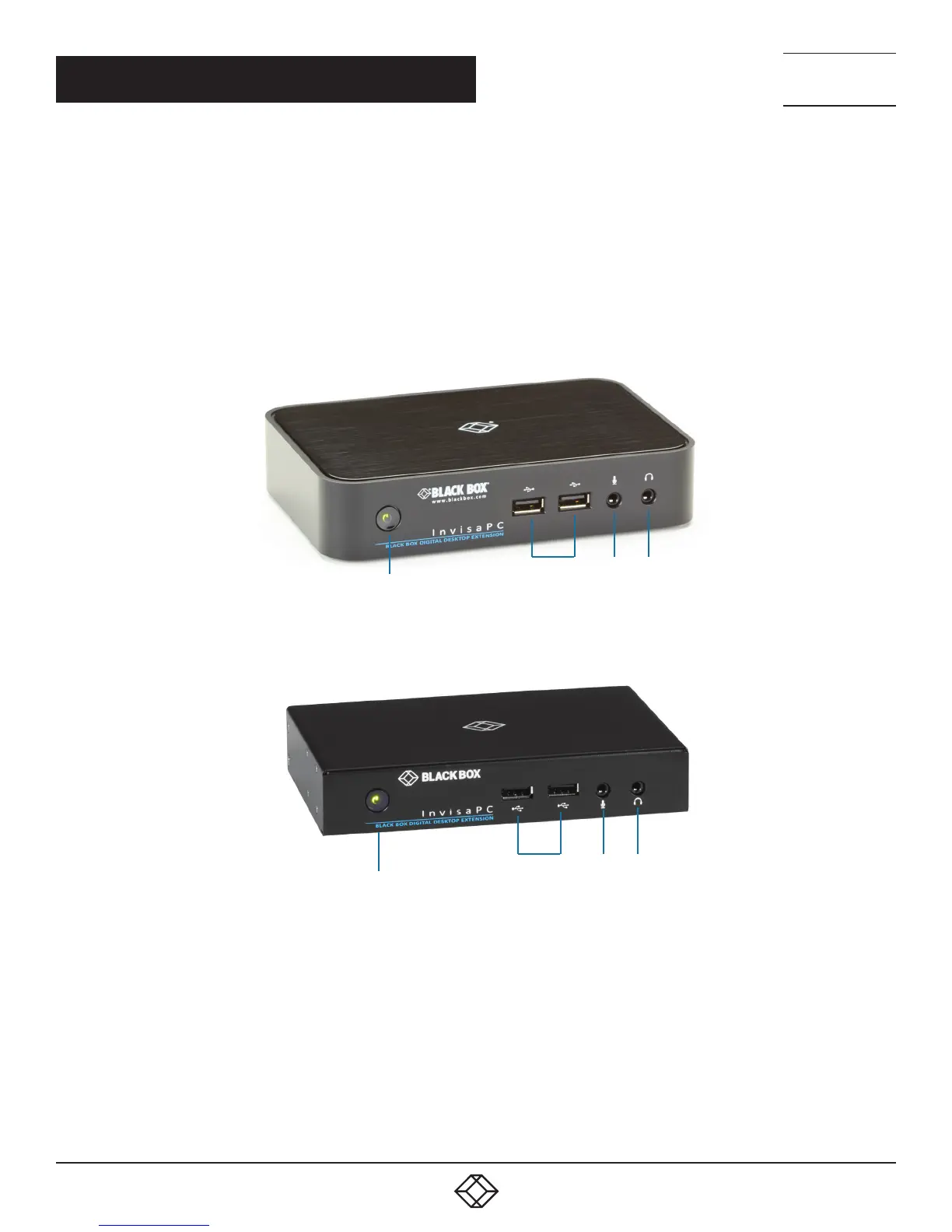
2 3 4
1
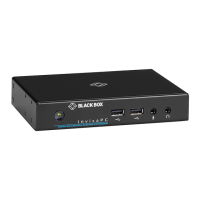
FIGURE 3-1. FRONT VIEW OF INVISAPC RECEIVER (DTX1000-R OR DTX1002-R)
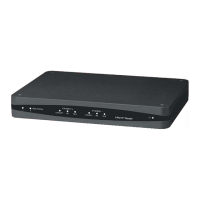
2 3 4
1
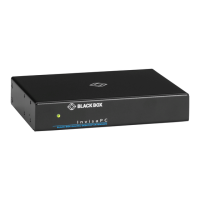
FIGURE 3-2. FRONT VIEW OF INVISAPC RECEIVER (DTX1000SA-R)


 To Next Page