52
1.8 7 7. 8 7 7. 2 2 6 9 BLACKBOX.COM
NEED HELP?
LEAVE THE TECH TO US
LIVE 24/7
TECHNICAL
SUPPORT
1.8 77.877.2269
CHAPTER 12: OSD FUNCTIONS
12.7.4 REMOVE A USER
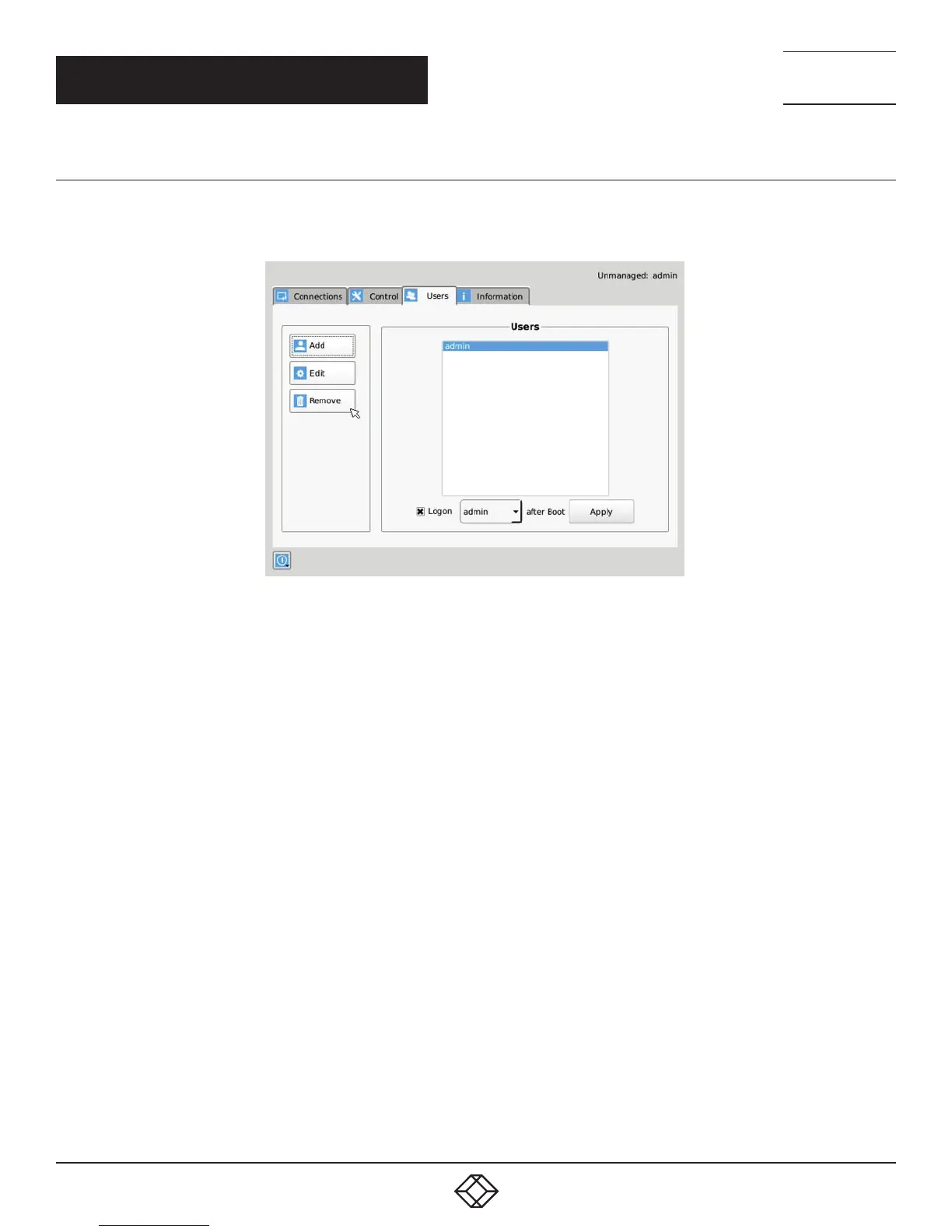
To remove a user, highlight the user’s name and press “Remove.”
admin
FIGURE 12-25. REMOVE USER
When the Remove button is clicked, a pop-up window is displayed to prompt confirmation that this user is to be deleted. Click the Yes
button to remove the user. Clicking the No button causes this action to be aborted and the user is not removed.
NOTE: There must always be a user of the name admin in the InvisaPC system so the system can always be administrated. When
attempting to remove the user, the system checks if the username is admin before it will allow the user to be removed.



 To Next Page