27
1.8 7 7. 8 7 7. 2 2 6 9 BLACKBOX.COM
NEED HELP?
LEAVE THE TECH TO US
LIVE 24/7
TECHNICAL
SUPPORT
1.8 77.877.2269
CHAPTER 9: INSTALLATION
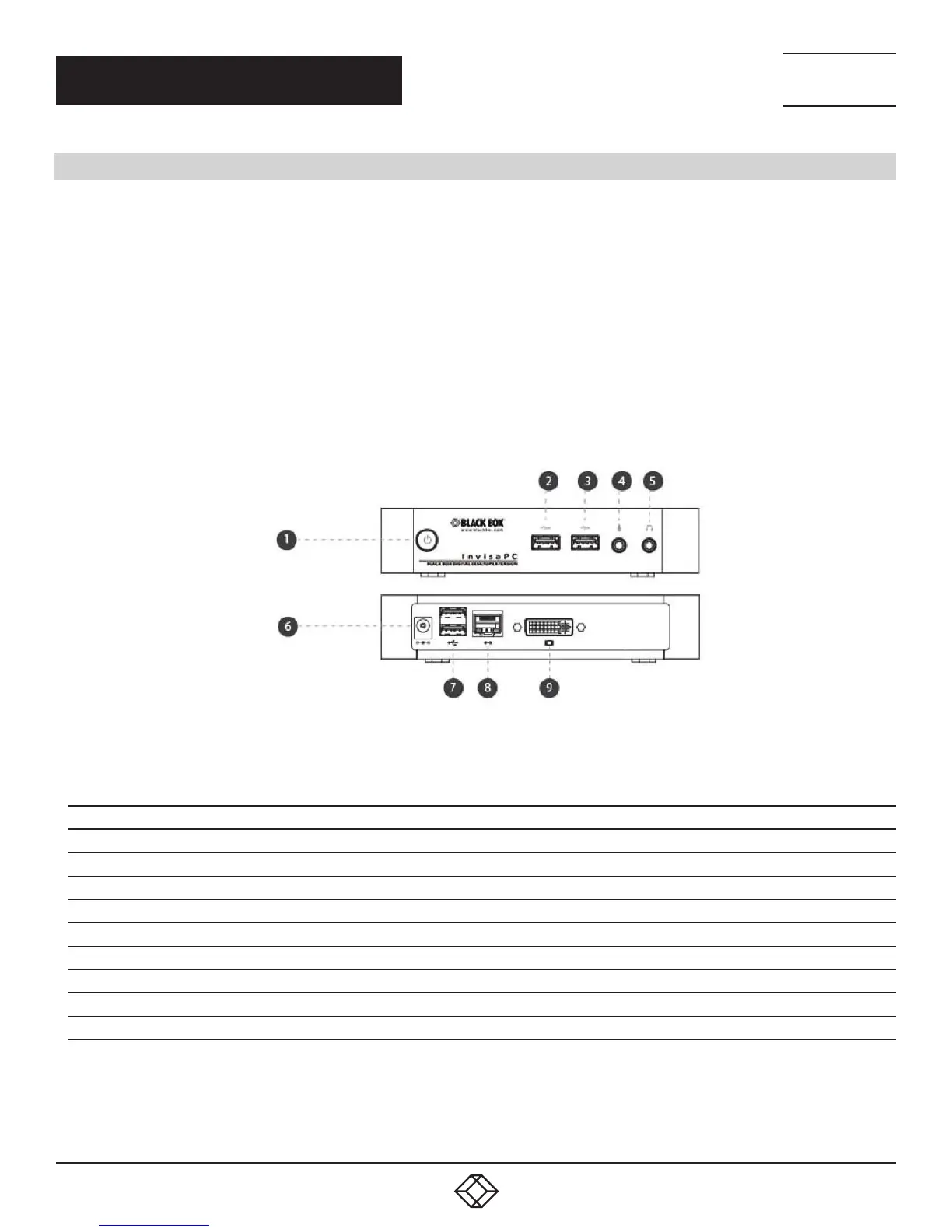
9.8 CONNECT THE INVISAPC MANAGER (DTX1032-R)
The recommended sequence to connect the Manager is:
1. Connect your keyboard, monitor, mouse, and other peripheral cables to the appropriately labeled ports on the InvisaPC Receiver.
2. Connect the UTP cable to the RJ-45 port on the back of the Receiver.
3. Plug the external power supply’s 2.5 mm connector into the DC power jack on the rear of the InvisaPC Receiver.
4. Connect the detachable power cord to the power supply.
5. Plug the power cord into an appropriate wall outlet.
6. Turn on the InvisaPC Receiver. A default connection is available to allow connection to a default InvisaPC Transmitter. You can
use the OSD to add a different connection to a remote Transmitter or virtual desktop. The default Transmitter IP address is
192.168.1.23.
7. Once a Connection has been defined, use the OSD to make the connection.
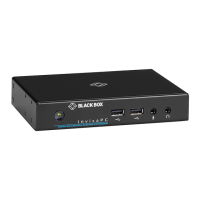
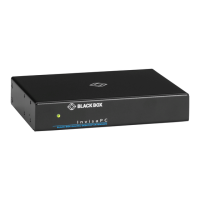
FIGURE 9-3. INVISAPC MANAGER (DTX1032-R) CONNECTIONS
TABLE 9-3. INVISAPC MANAGER CONNECTIONS COMPONENTS
NUMBER IN FIGURE 9-3 COMPONENT
1 ON/OFF button
2 USB Type A connector
3 USB Type A connector
4 Microphone
5 Audio Line OUT
6 5-VDC Power IN
7 Dual USB Type A connector
8 RJ-45 port
9 DVI video


 To Next Page