Outer bands let you make band filter adjustments using hi-shelf, lo-shelf, hi-pass and lo-
pass filters. A pass filter affects all the frequencies above or below a particular frequency,
by removing those frequencies completely from the signal. For example, a high pass filter
will allowthe high frequencies to pass through the filter while cutting the low frequencies.
Anyfrequencies outside the cutoff frequency are cut gradually in a downward sloping curve.
A shelf filter is less aggressive, and is useful when you want to shape the overall top end or
low end of the signal without completely removing those frequencies. The shelf filter boosts or
cuts the target frequency and every frequency either above or below it evenly, depending on
whether you use a high shelf or low shelf.
The middle sets of band controls let you make a wide variety of equalization adjustments, and
can be switched between lo-shelf, bell, notch, and hi-shelf filtering options.
• Bell: Bell filters boost or cut frequencies around a given center point of the bell curve, and
as the name suggests the shape of the curve is like a bell.
• Notch: Notch filters allow you to specifically target a very narrow range of frequencies.
For example, removing a mains hum at 50 or 60Hz.
• Lo-Shelf: Low shelf filters boost or cut the target frequency at the low end, and every
frequency below it
• Hi-Shelf: High shelf filters boost or cut the target frequency at the high end, and every
frequency above it
To add EQ to an individual clip:
1 Select the clip in the timeline that you want to add the EQ filter to.
2 Click on the inspector and then click the ‘equalizer’ enable button.
To add EQ to a track:
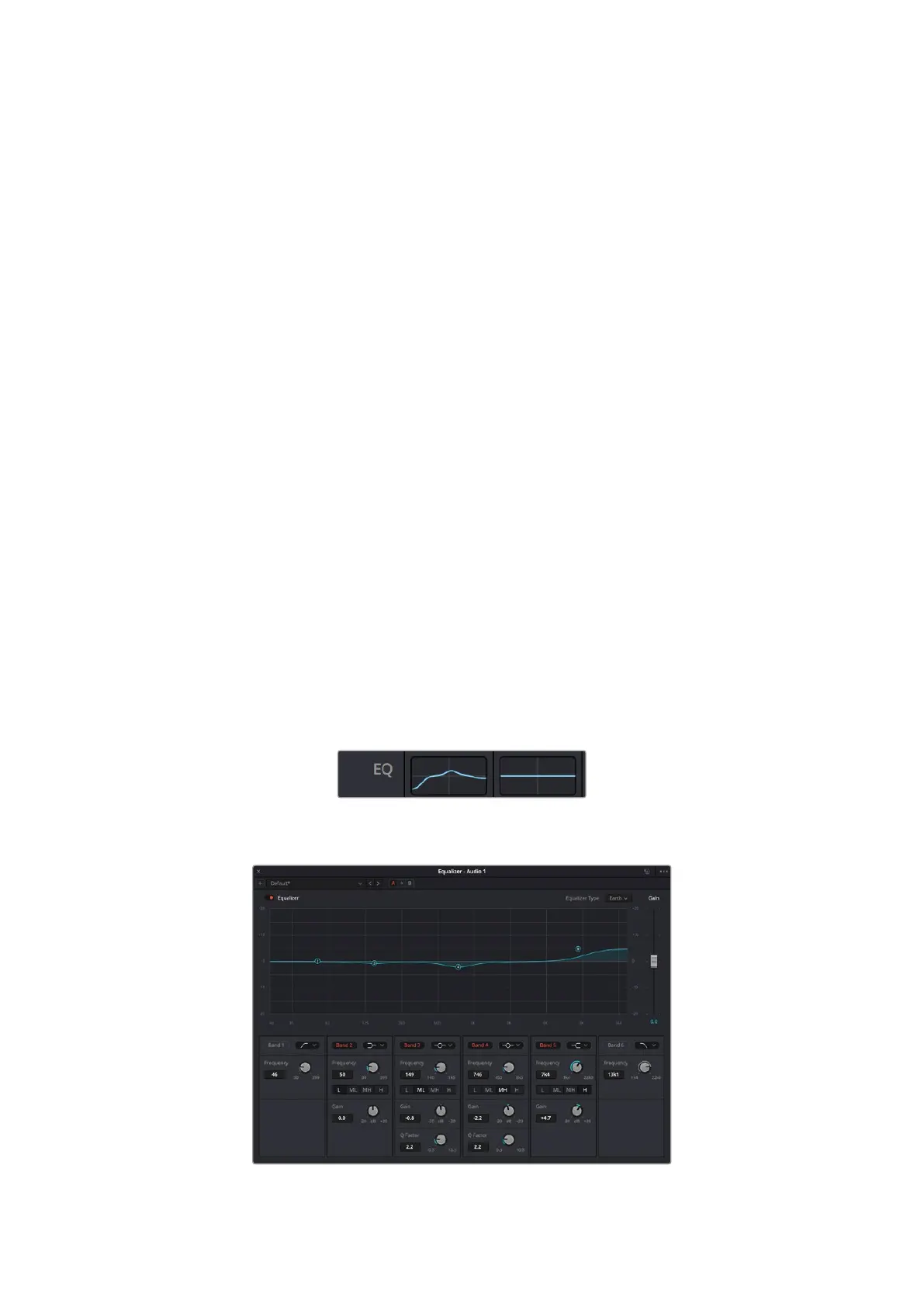
1 Double click in the EQ section for one of your tracks in the mixer to open the equalizer for
that track.
2 Select the band filter type from the dropdown menu for the band you want to adjust.
The EQ section in the mixer panel indicating
anEQ curve has been applied to track one
The 6 Band parametric equalizer that can be applied to every track
113Using DaVinci Resolve



 To Next Page