Blackmagic Camera Setup
Updating Camera Software – Mac
After downloading the Blackmagic Camera Setup utility software and unzipping the
downloaded file, open the resulting disk image to reveal the Blackmagic Camera SetupInstaller.
Launch the installer and follow the on screen instructions. After the installation has finished, goto
your applications folder and open the Blackmagic Cameras folder where you’ll find this manual, the
Blackmagic Camera setup utility, plus a documents folder containing readme files and information.
You’ll also find an uninstaller for when updating to later versions of Blackmagic Camera Setup.
Updating Camera Software – Windows
After downloading the Blackmagic Camera Setup utility software and unzipping the
downloaded file, you should see a Blackmagic Camera Setup folder containing this PDF manual
and the Blackmagic Camera Setup Installer. Double-click the installer and follow the on screen
prompts to complete the installation.
In Windows 11, click the start button and select ‘all apps’. Scroll down to the Blackmagic design
folder. From here you can launch Blackmagic Camera Setup.
Updating your Camera’s Internal Software
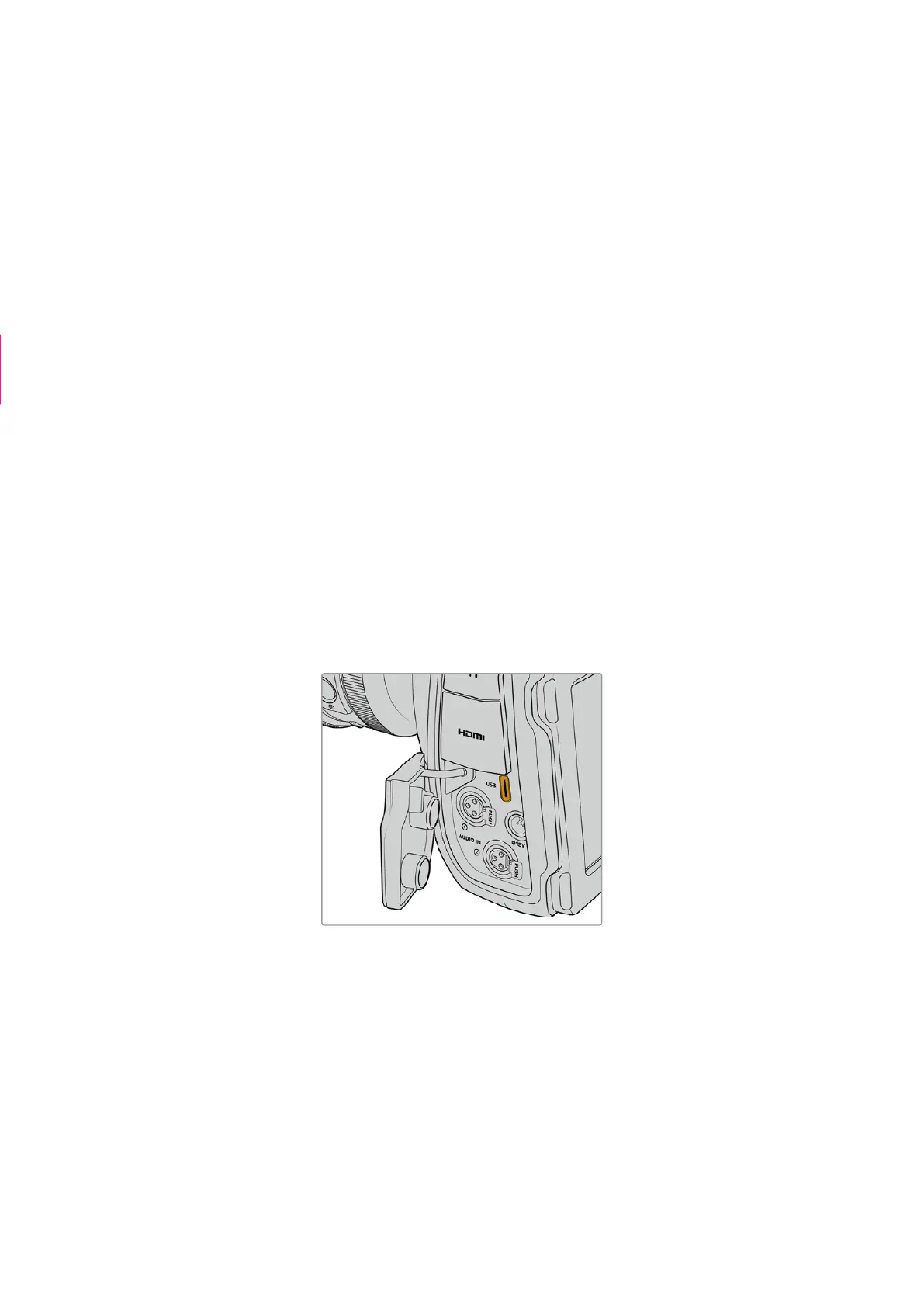
After installing the latest Blackmagic Camera Setup utility on your computer, connect a USB-C
cable between the computer and your camera. The USB-C port is located on the left side
panel. Simply open the rubber cap to access the port.
Launch the Blackmagic Camera Setup utility and follow the on screen prompts to update
the camera software. The camera restarts on the ‘select language’ screen. It’s important to
note that updating your camera software erases any presets and custom LUTs, and resets all
settings. It is a good practice to export them to a memory card as a backup before performing
a software update. After a software update, you can restore your presets and LUTs quickly by
importing them from the memory card.
Screen grab deleted
128Blackmagic Camera Setup



 To Next Page