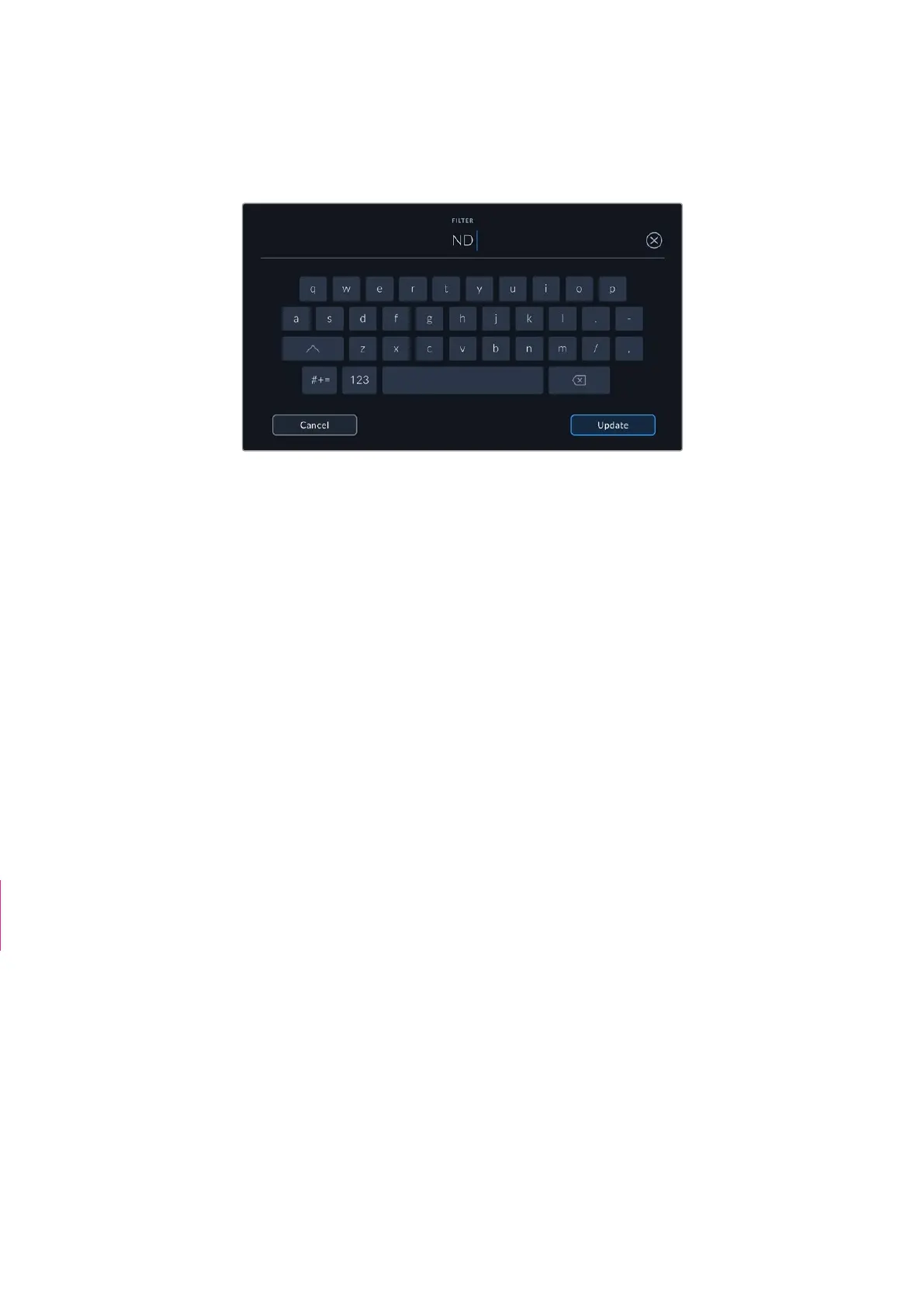
• Filter
Shows the current lens filters used. Tap this setting to enter data manually. You can make
multiple entries separated by commas.
Filter information needs to be entered manually
You can clear lens data at any time by tapping the ‘reset lens data’ icon in the ‘lens data’ menu.
You will be prompted to confirm your choice. If you confirm, all lens data will be cleared and
repopulated with any lens data automatically provided by the currently fitted lens. If you have
manually entered any information into these fields, you will need to reset the lens data the next
time you mount a lens, otherwise the manually entered value will remain.
Gyro Stabilization
Your Blackmgaic Cinema Camera 6K automatically records pan, tilt and roll data captured by an
internal motion sensor. This data is also known as gyro data, which DaVinci Resolve can then
use to stabilize handheld shots.
It’s important to calibrate your camera’s motion sensor prior to recording to ensure that the
recorded gyro data is accurate. You can find more information in the ‘settings’ section under
‘motion sensor calibration’.
Enabling Gyro Stabilization
To enable the gyro stabilization you will need to make sure your lens’s optical image
stabilization is turned off. L-mount lenses with built in optical stabilization have a physical switch
to turn it on or off.
Recording Gyro Data with Manual Lenses
For gyro stabilization to work at its best, it requires accurate lens focal length information which
is included in the metadata that is automatically recorded when using most L-mount lenses. For
manual lenses that do not support electronic communication with the camera you will need to
enter this information into the camera’s slate.
1 Swipe left or right on your camera’s touchscreen from the main view to bring up the slate.
2 Tap the ‘lens data’ tab.
3 Tap on the ‘focal length’ section and type in the focal length of the lens you are using.
“To disable lens
stabilization” section
deleted
89Entering Metadata



 To Next Page