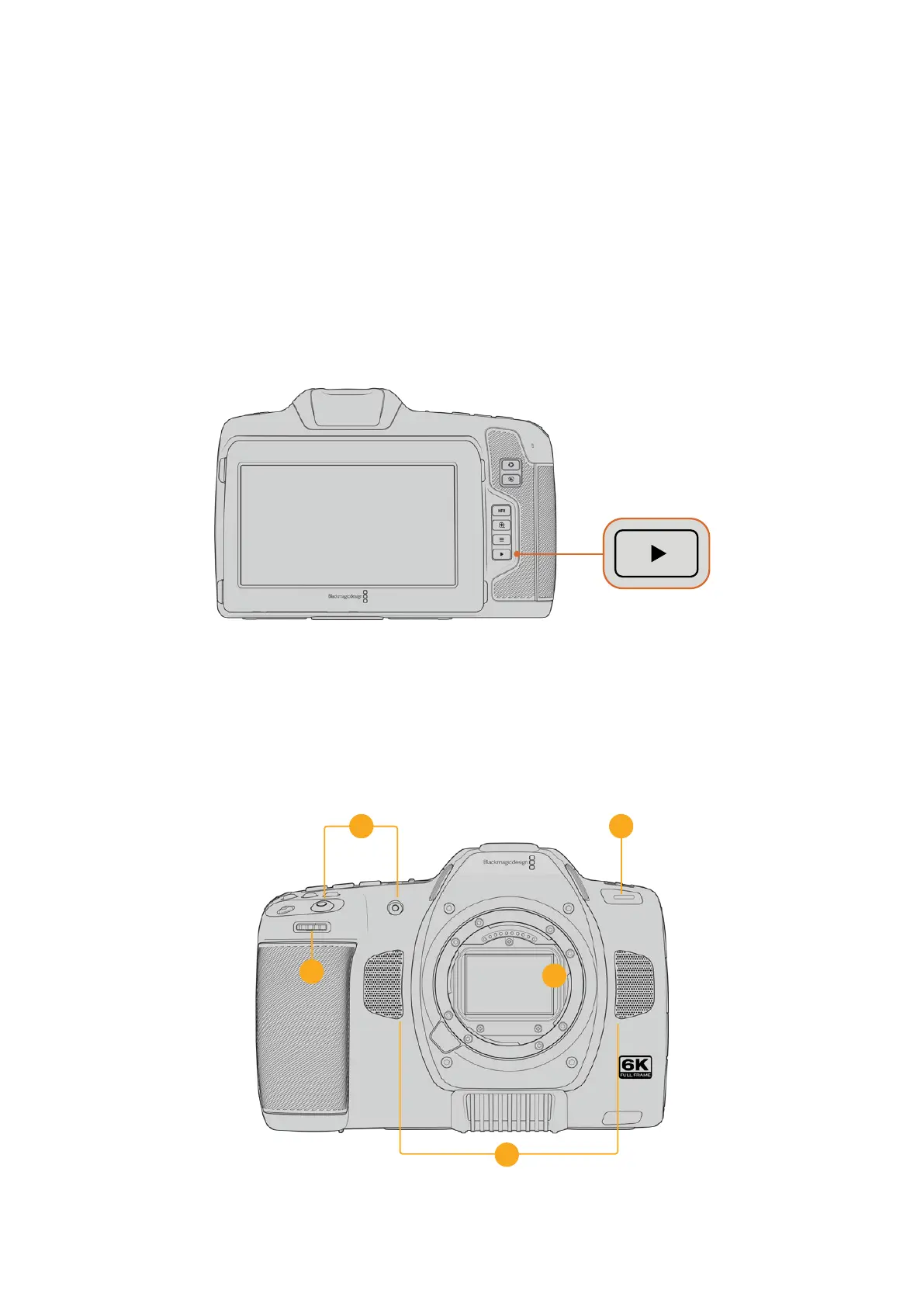
Playback
Once you have recorded your video, you can use the transport control buttons to play back
your video on the LCD. Press the play button to switch to playback mode. Press the button
again for instant playback of the last recorded clip on the LCD and on any display connected
to the HDMI output. Hold down the forward or reverse buttons on the LCD to fast forward or
reverse through the clip. Playback will finish when the end of the current clip is reached.
Press the forward and reverse buttons to skip to the start or end of clips. Press the reverse
button once to go to the start of the current clip or press twice to skip back to the start of
the previous clip. Press the record button to exit playback and return the touchscreen to the
camera view.
To view your most recently recorded clip on the built in touchscreen, press the ‘play’ button
on the transport controls
Camera Features
Camera Front
4
1
3
2
5
22Camera Features



 To Next Page