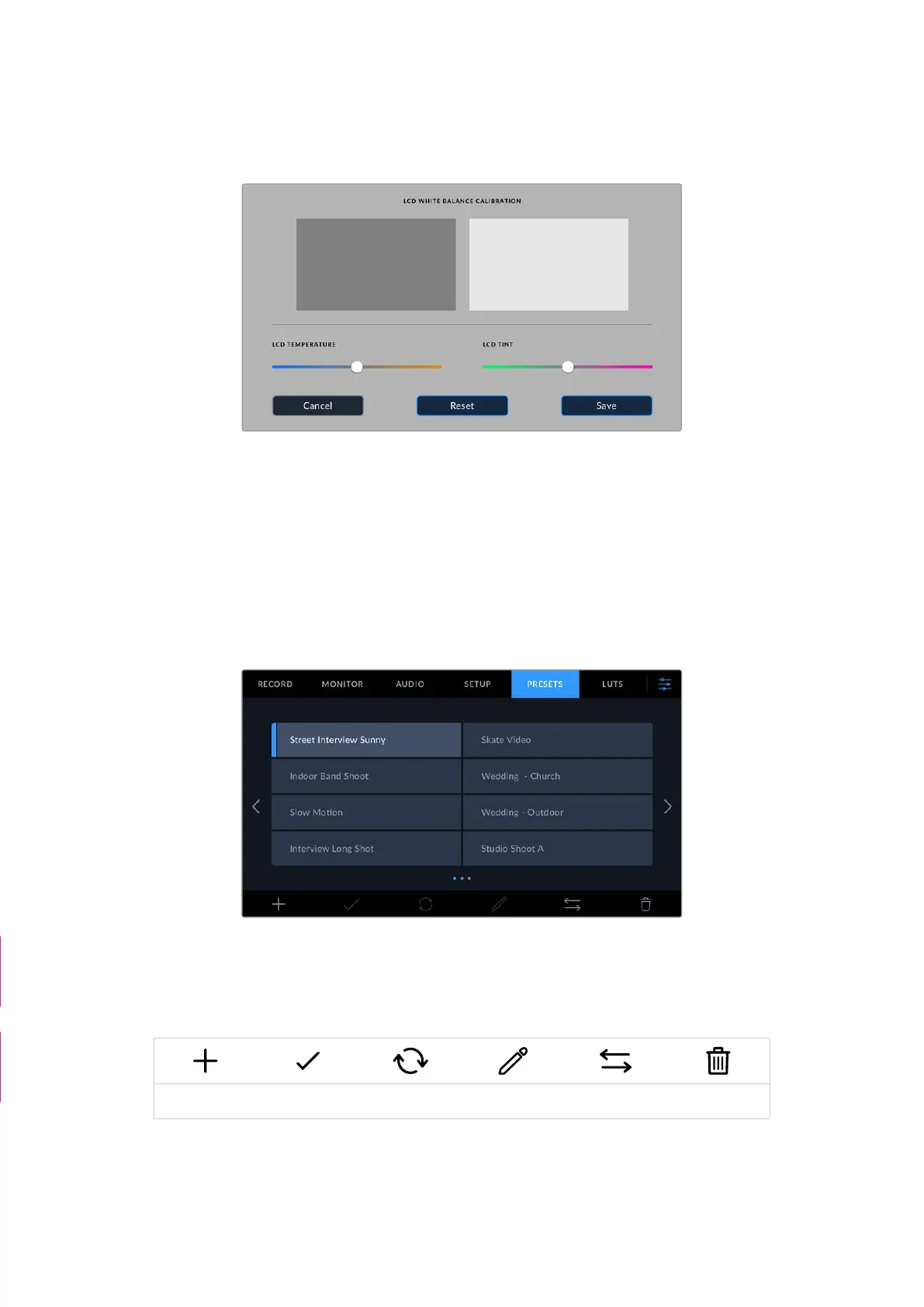
your new settings, which helps you compare the appearance before and after calibration. When
the LCD shows an accurate white balance, save your settings.
Presets
The ‘presets’ tab lets you save and recall up to 12 collections of settings. This is useful when
one camera is used for multiple projects. For example, you may use your camera for a variety
of different shoots, from documentaries to music videos, with very different settings between
types of projects. Your camera’s ‘presets’ function lets you save the setup for a particular
project or type of shoot and come back to it quickly and easily when required.
You can also import and export presets that are useful for setting up a multi camera shoot.
Simply set up one Blackmagic Cinema Camera 6K to suit your project, then export that preset
for all the other Blackmagic Cinema Camera 6Ks on set.
The presets tab allows you to quickly switch between settings that you
have saved
Preset buttons
The button icons along the bottom of the ‘preset’ menu correspond with the following functions.
Add Load Update Edit Manage Delete
NOTE box deleted
Change fill colour to
black when FA
79Settings



 To Next Page