DaVinci Resolve is the same tool used on most major blockbuster movies, so it’s much more
than a simple NLE software tool, as it has extremely advanced technology built in for high end
digital film. You get the advantage of this technology when you use DaVinci Resolve to edit and
color correct your work.
Included here is information on how to get started using DaVinci Resolve with your camera
files. Of course, DaVinci Resolve is extremely advanced and includes a lot more features than
you immediately see when first looking at its user interface. To learn more about how to use
DaVinci Resolve, please check for the DaVinci Resolve instruction manual on the Blackmagic
website, where you can also find many training courses and tutorial videos.
Project Manager
Before you import your clips and start editing, you will need to set up your project using the
project manager.
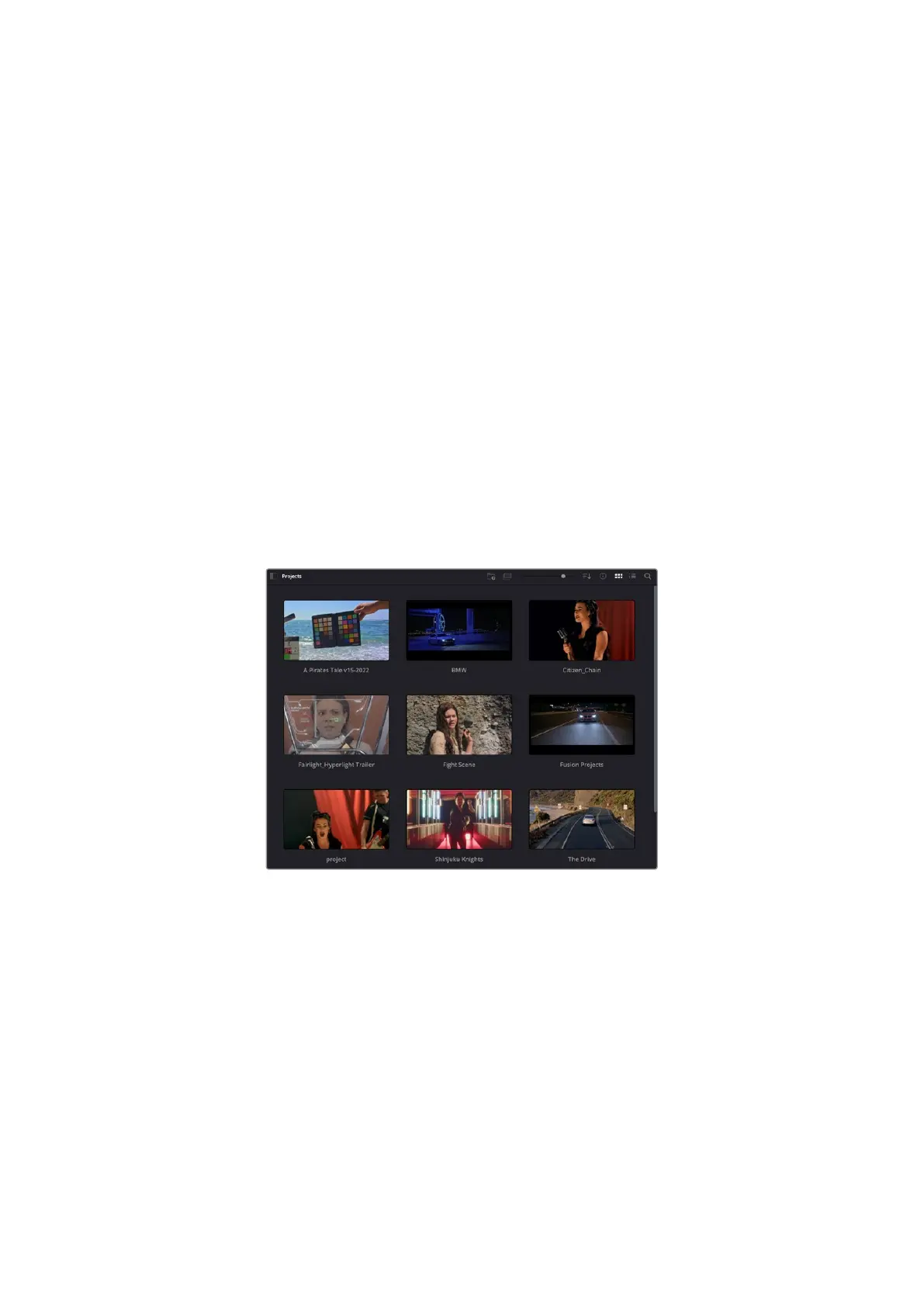
The project manager is the first screen you will see when launching DaVinci Resolve, but you
can open the manager at any time by clicking on the ‘home’ icon at the bottom right of the user
interface. This is helpful when you want to open previous projects and create new ones.
To create a new project, click on ‘new project’ at the bottom of the window and give your
project a name. Click ‘create’.
Using the ‘cut’ page, you can start working on your edit immediately.
The project manager shows all projects belonging to the current user
For more information about the Project Manager, refer to the DaVinci Resolve manual which is
available to download on the Blackmagic Design website support page.
Editing with the Cut Page
The ‘cut’ page gives you a fast, dynamic editing workflow that lets you quickly assemble, trim
and edit clips efficiently.
Two active timelines let you work with your entire edit plus a detailed area simultaneously.
This means you can drop clips anywhere on a large timeline, then refine your edit in a detailed
timeline within the same workspace. Using this workflow, you can edit on a laptop without
needing to zoom in and out and scroll as you work, which can be an enormous time saver.
92Using DaVinci Resolve



 To Next Page