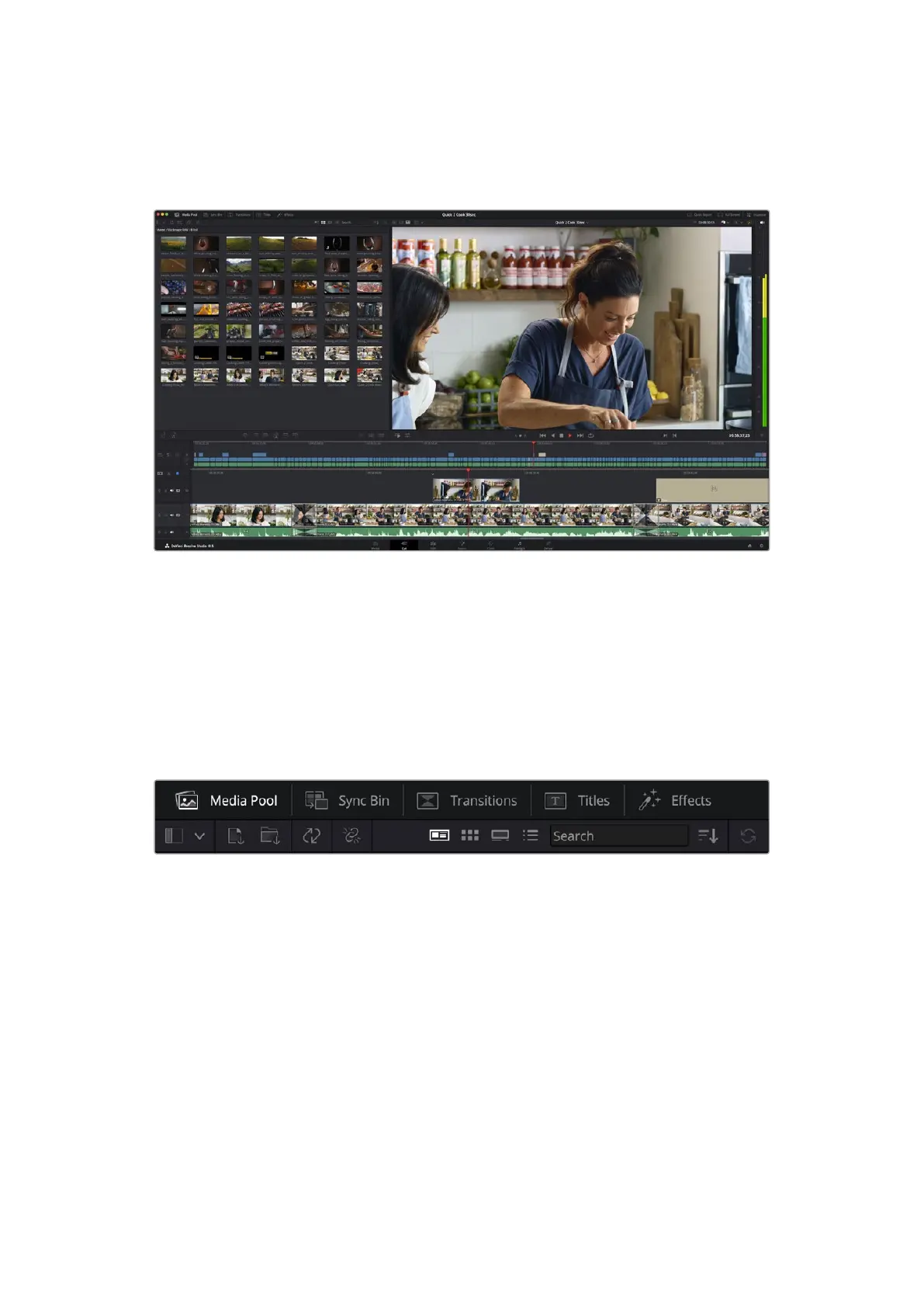
The Cut Page Layout
When you open the cut page, you will see the media pool, viewer window and timeline.
These three primary windows give you complete control over your edit.
The Cut page default workspace, with the Media Pool in icon view
For more information on the Cut page, see the ‘The Cut Page’ chapter in the
DaVinci Resolve manual.
Media Tabs
At the top left corner of the user interface you will see five tabs.
Click on these tabs to open the media toolsets you will use when creating your edit.
For example, the first tab is the media pool and you can see it is already selected. The other
tabs are for the sync bin, media transitions, titles and effects.
• Media Pool: The media pool contains all your clips, folders and files you imported using the
media page. You can also import files directly from the cut page, so you don’t have to go
back to the media page if you want to import a new clip.
• Sync Bin: This powerful feature automatically syncs all your clips via timecode, date and
time so you can choose angles from all cameras on a multi camera project.
• Transitions: If you click on the neighboring transitions tab, you will see all the video and
audio transitions you can use in your edit. These include common transitions such as cross
dissolves and motion wipes.
• Titles: Next to transitions is the ‘titles’ tab. Here you can select the title type you want to
use. For example a scroll, standard text or lower thirds title. There are also a list of Fusion
templates you can use for more animated dynamic titles which can be customized in
DaVinci Resolve’s ‘Fusion’ page.
• Effects: The fifth tab is the ‘effects’ tab. This provides all the different filters and effects
you can use to bring more life to your edit, for example customizable blurs, glows and lens
effects. There are many powerful effects to choose from and you can find them quickly
using the search tool.
93Using DaVinci Resolve



 To Next Page