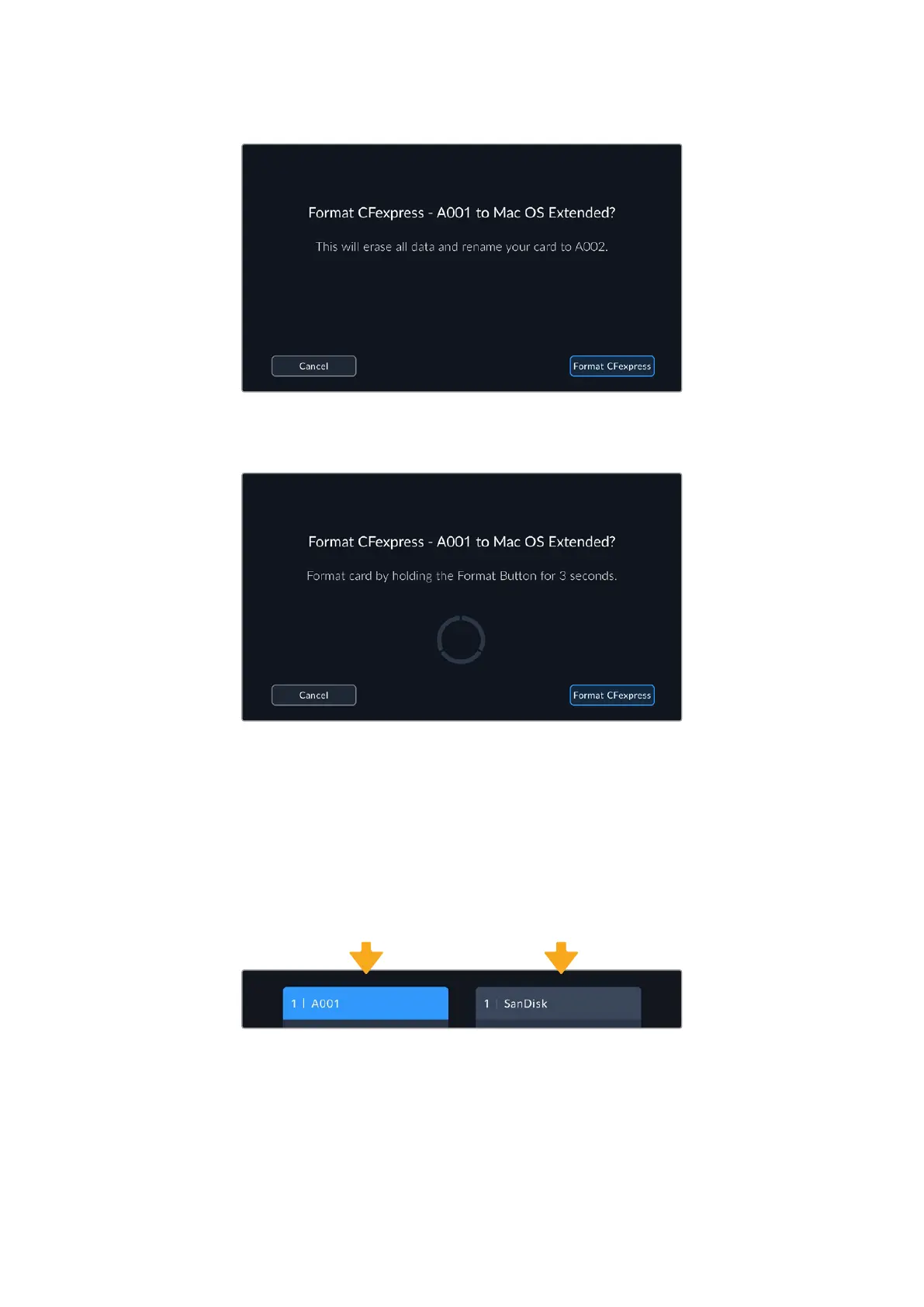
Check that you have selected the correct media before formatting
6 Hold down the format button for three seconds to format your media.
7 The camera notifies you when the format is complete and your media is ready to use,
orif formatting has failed.
8 Tap ‘ok’ to return to the storage manager.
9 Tap ‘exit’ to leave the storage manager.
When formatting CFexpress cards or USB-C flash disks using your camera, the camera ID
that is generated from the slate and reel number are used to name the media. Your camera
automatically adjusts the reel numbers incrementally each time you format. Ifyou need to
manually enter a specific reel number, tap the ‘edit reel number’ and enter the number you want
to format the card as.
The storage manager on your camera indicates whether you are managing
CFexpress or USB-C flash disk media
Tap on ‘reset project data’ in the ‘project’ tab of the slate if you’re starting a new project and
want the numbering to reset back to 1. For more information about your camera’s slate, refer to
the ‘entering metadata’ section later in this manual.
TIP & NOTE boxes
deleted
12Storage Media



 To Next Page