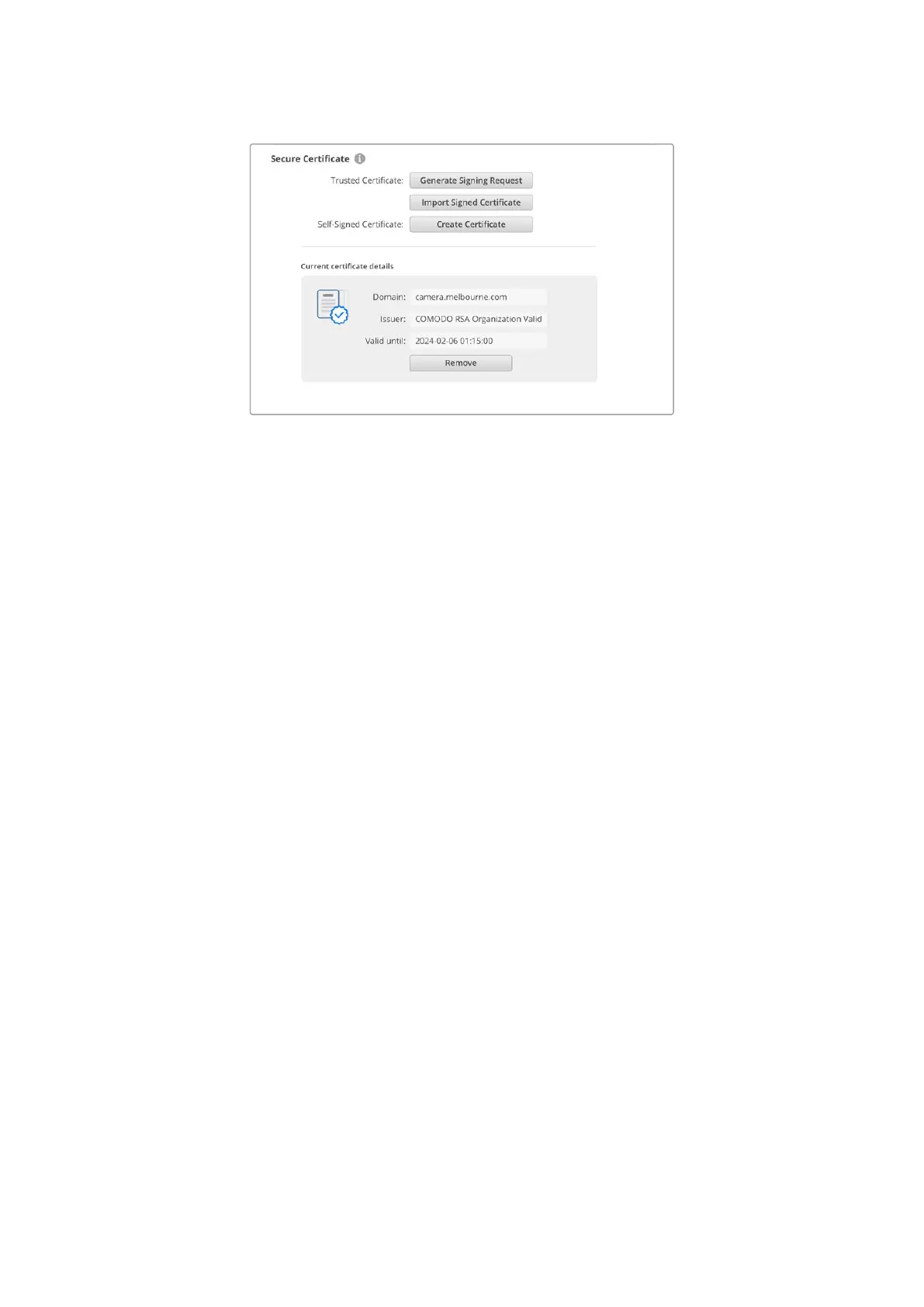
Since a domain name was selected, you will need to speak to your IT department
about resolving the DNS entry for your Cinema Camera 6K. This will point all traffic for
the IP address of the camera to the selected domain address in the signing request.
Thiswill also be the HTTPS address you use to access files via the web media manager,
forexample https://camera.melbourne
It’s worth noting that the certificate will be invalidated following a factory reset and a new
certificate will need to be generated and signed.
Reset
Select ‘factory reset’ to restore your camera to factory settings. A factory reset will invalidate
the current certificate. If a secure certificate is being used you will need to generate a new
certificate signing request to be signed by a certificate authority or IT department.
134Blackmagic Camera Setup



 To Next Page