Frames Per Second
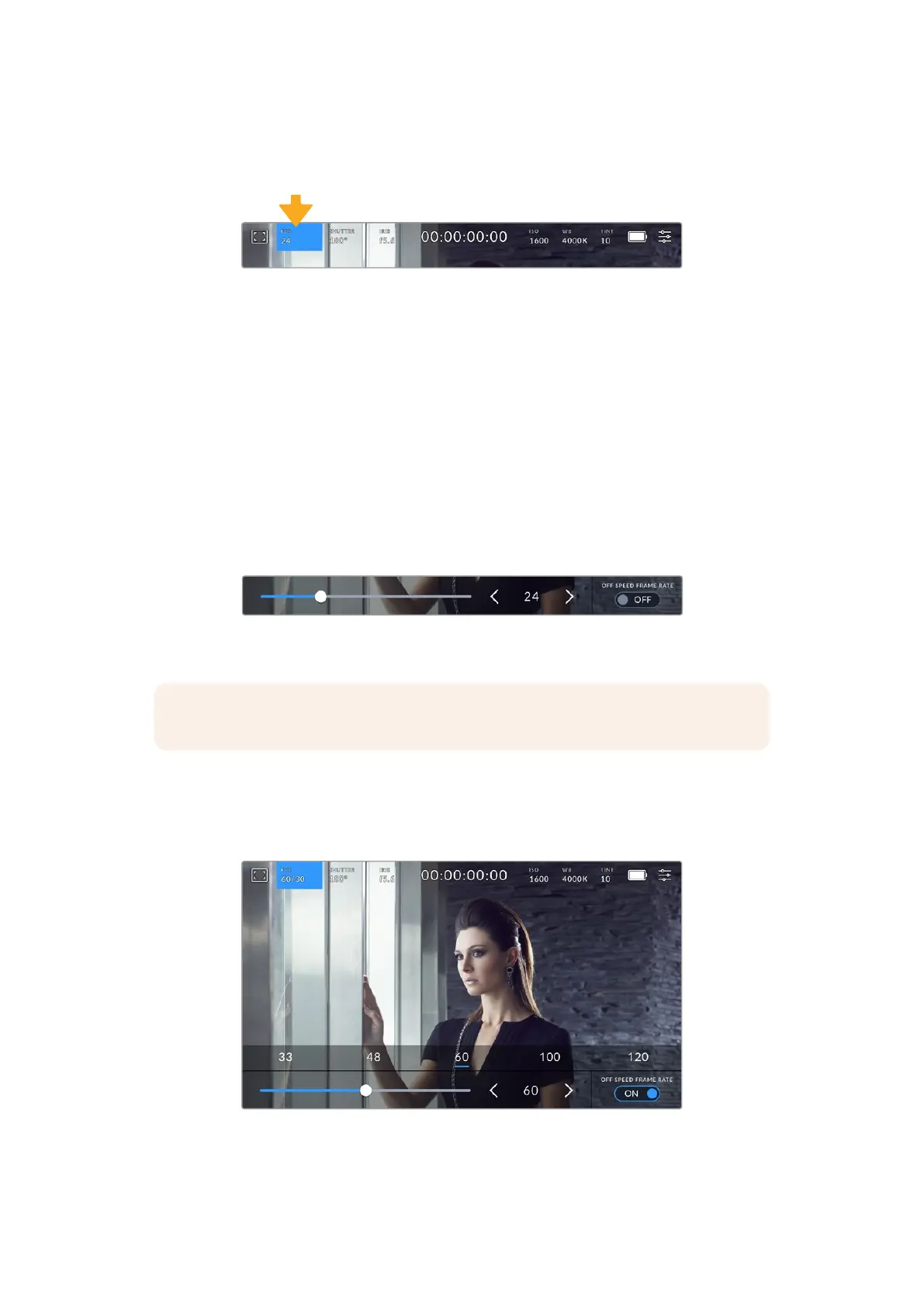
The ‘FPS’ indicator displays your currently selected frames per second.
Tap the frames per second indicator to access frame rate settings
Tapping the ‘FPS’ indicator lets you change your camera’s sensor and project frame rates via
amenu at the bottom of the LCD touchscreen.
Project Frame Rate
The project frame rate is the camera’s recording format frame rate and provides a selection of
common frame rates used in the film and television industry. This frame rate is normally set to
match your post production workflow.
8 project frame rates are available including 23.98, 24, 25, 29.97, 30, 50, 59.94 and 60 frames
per second.
To adjust your camera’s project frame rate while in the ‘FPS’ menu, tap the left or right arrows
next to the current frame rate at the bottom left of your touchscreen. Alternatively, you can drag
the slider left or right.
Tap the arrows on either side of the project frame rate or move the slider to
make adjustments
NOTE The project frame rate also sets the frame rate of the HDMI output.
Sensor Frame Rate
The sensor frame rate sets how many actual frames from the sensor are recorded every
second. This frame rate will affect how fast or slow your video will play back at your set project
frame rate.
With ‘off speed frame rate’ enabled, tap a preset or the arrows on either side of
the sensor frame rate or move the slider to make adjustments
37Touchscreen Controls



 To Next Page