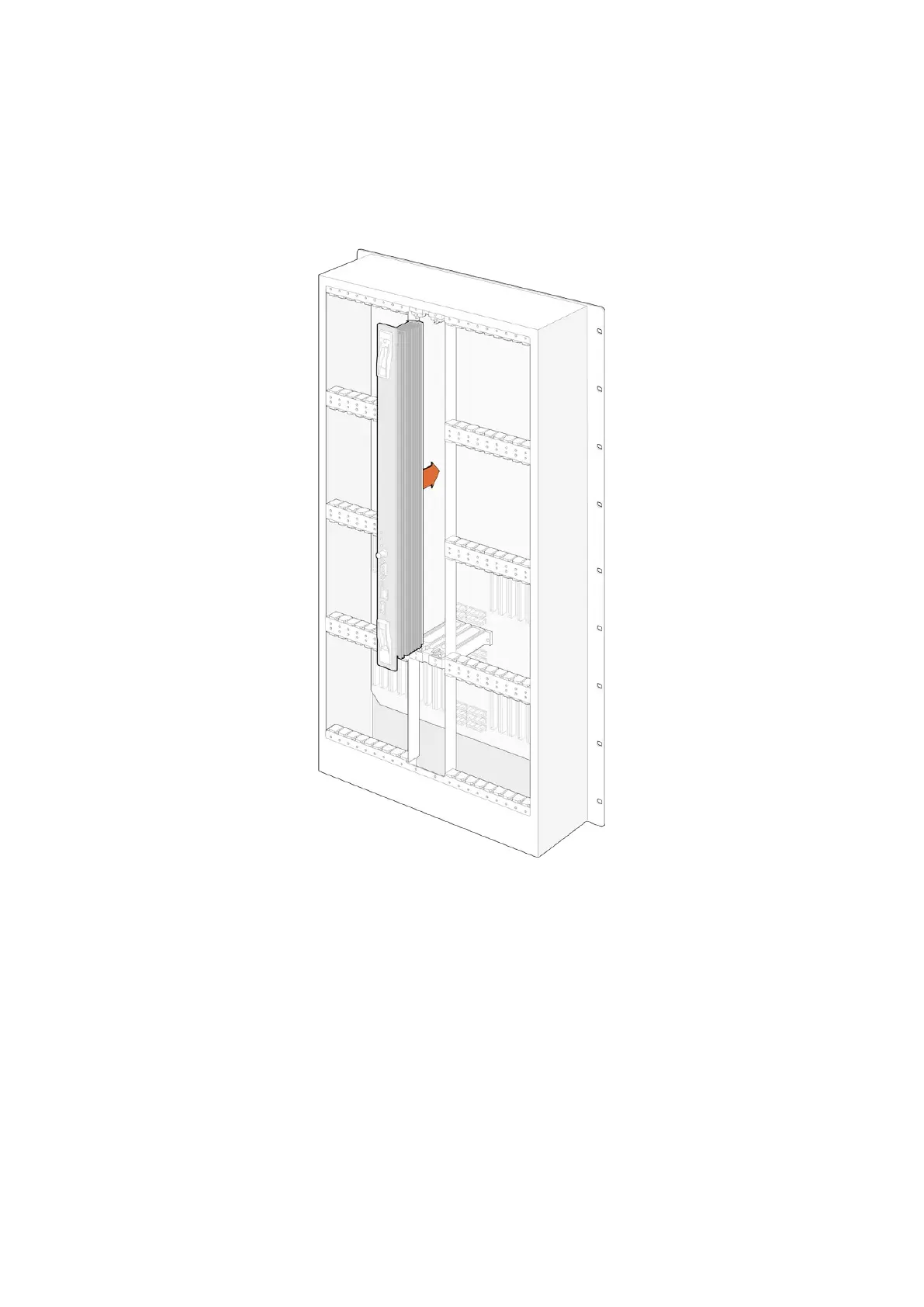
Installing a Universal Videohub288 Crosspoint Card
Now that your Universal Videohub288 has been mounted in a rack, it needs to be fitted with
a crosspoint card. The crosspoint card is the brains of Universal Videohub and performs video
route and deck control switching. Universal Videohub288 Crosspoint cards are hot-swappable,
meaning they are designed to be installed and removed while the Universal Videohub is running.
1 Hold the crosspoint card in a vertical orientation by its two levers. The BNC, Ethernet and
other ports should be towards the bottom end of the card.
2 Gently insert the card into its slot, ensuring the top and bottom edges follow the
black guides.
3 Firmly push both levers flat to fully engage the multi-pin connectors with the motherboard.
Mating pins ensure that the card precisely engages with the motherboard without
damaging the multi-pin connectors.
4 Use a number 01 size Pozidriv screwdriver to secure the two levers on the crosspoint card.
It is common to install a second crosspoint card for failover redundancy and we recommend
doing this. If two crosspoint cards are installed, all video routes and port labels will be safely
retained even if one card becomes faulty and has to be replaced. To remove the blanking plate
from the right crosspoint card slot, you will need to use a number 02 size Pozidriv screwdriver.
17Universal Videohub Routers



 To Next Page