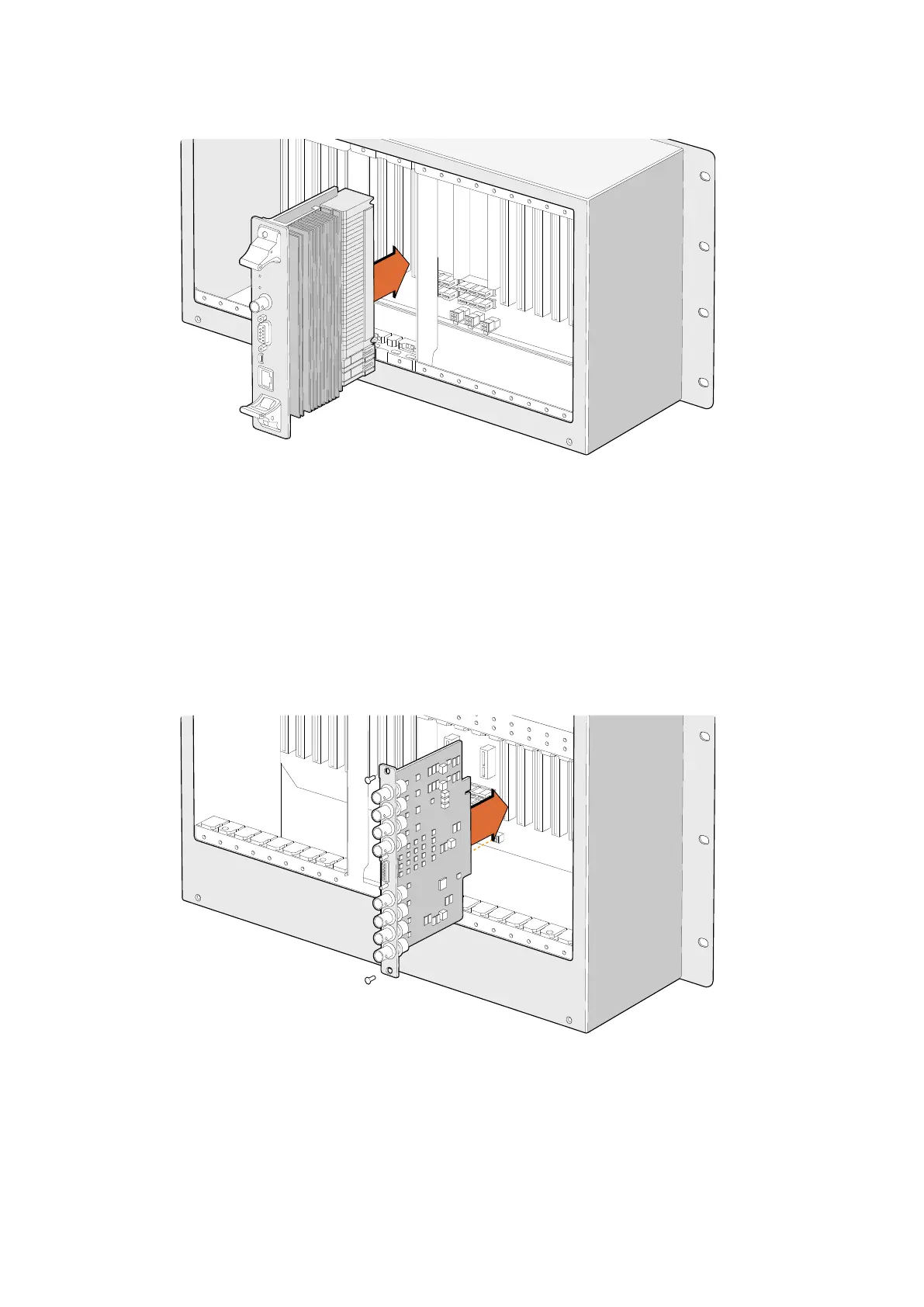
Installing a Universal Videohub72 Crosspoint Card
1 Hold the crosspoint card in a vertical orientation by its two levers. The Ethernet port should
be towards the bottom end of the card.
2 Gently insert the card into its slot, ensuring the top and bottom edges follow the
black guides.
3 Firmly push both levers flat to fully engage the multi-pin connectors with the motherboard.
Mating pins ensure that the card precisely engages with the motherboard without
damaging the multi-pin connectors.
4 Use a number 01 size Pozidriv screwdriver to secure the two levers on the crosspoint card.
Installing a Universal Videohub SDI Interface
24Universal Videohub Routers



 To Next Page