Number of Macros
Macros allow you to make up to 16 crosspoint routing changes simultaneously with a single
button press.
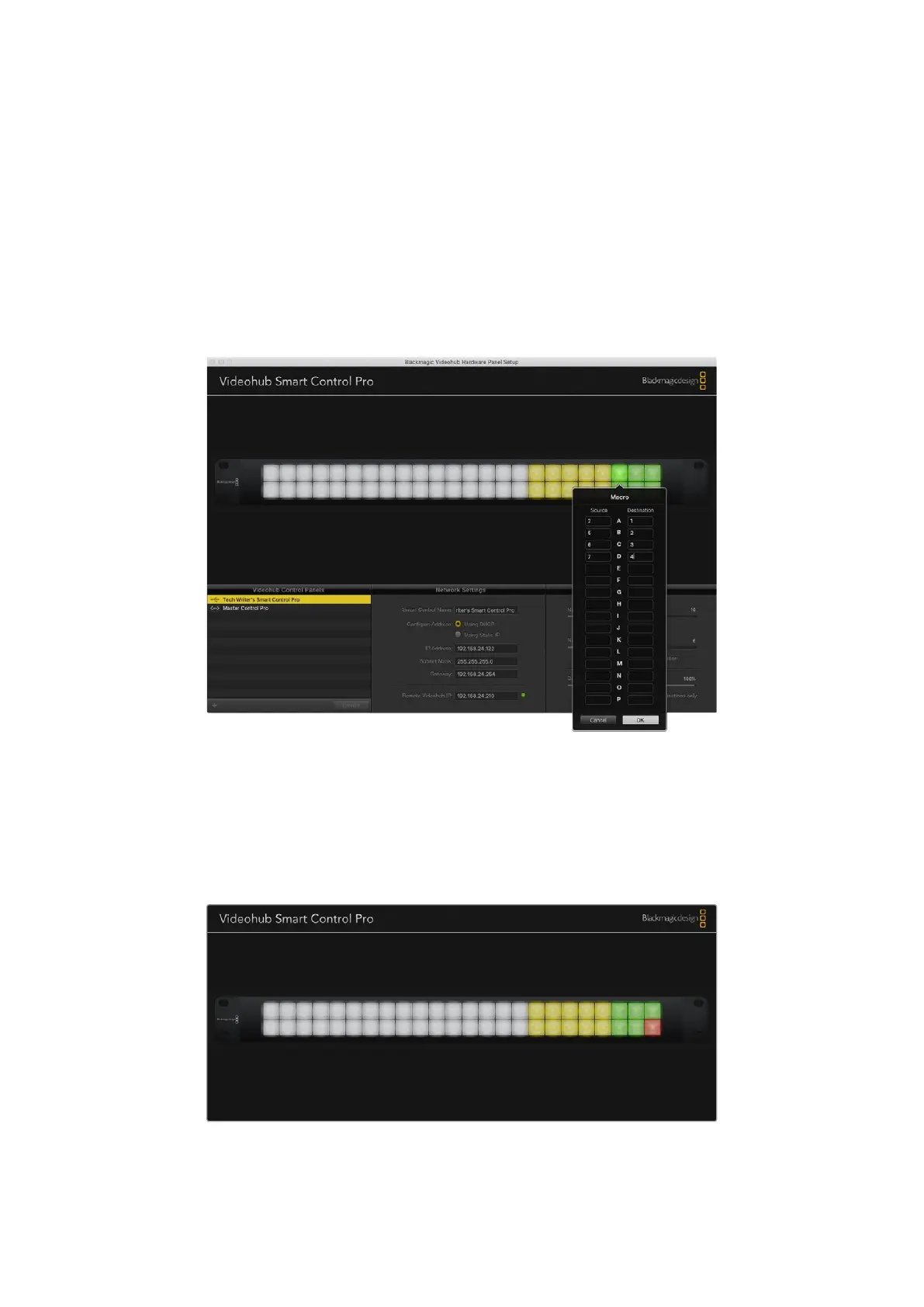
1 Drag the Number of Macros slider to enable up to 10 macro buttons. As you increase the
number of macro buttons, there will be a matching decrease in the number of available
source buttons.
2 Click a green macro button to reveal the corresponding Macro window and enter up to
16pairs of sources and destinations.
3 When finished, click OK to save the routes and close the window.
Up to 16 crosspoint routes can be changed by a single macro
Take Button
When the Enable Take Button checkbox is active, the lower right button on the control interface
turns red. Use this if you want a confirmation option to come up before your route change takes
place. Press the red take button to confirm your route change. The take button can be used
with both Cut-Bus and XY controller configurations and can also be used with macros.
The Take button illuminates red in the lower right corner
70Videohub Hardware Panel Setup



 To Next Page