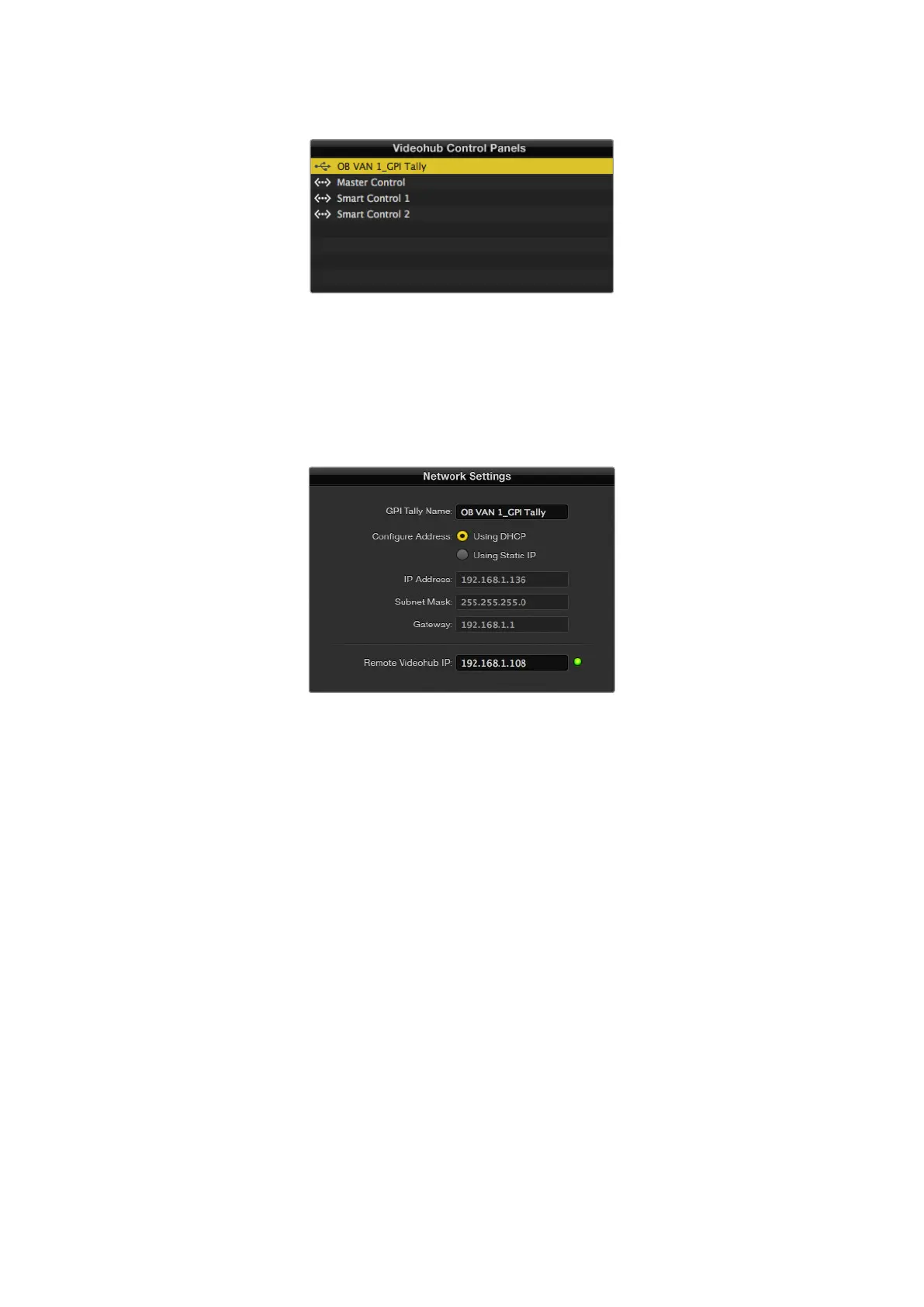
GPI and Tally Interface connected via USB
If you do not know the IP address of your Videohub:
1 Connect the Videohub to your computer via USB.
2 Launch the Videohub software and click on Videohub Server Preferences.
3 Note down the IP address in the Remote Videohub IP address field.
Enter a GPI and Tally Name and the IP address
of the Videohub you want to connect to
75Videohub Hardware Panel Setup



 To Next Page