SAM 950 Berkeley Nucleonics Corporation 16 of 62
FUNCTION BUTTONS
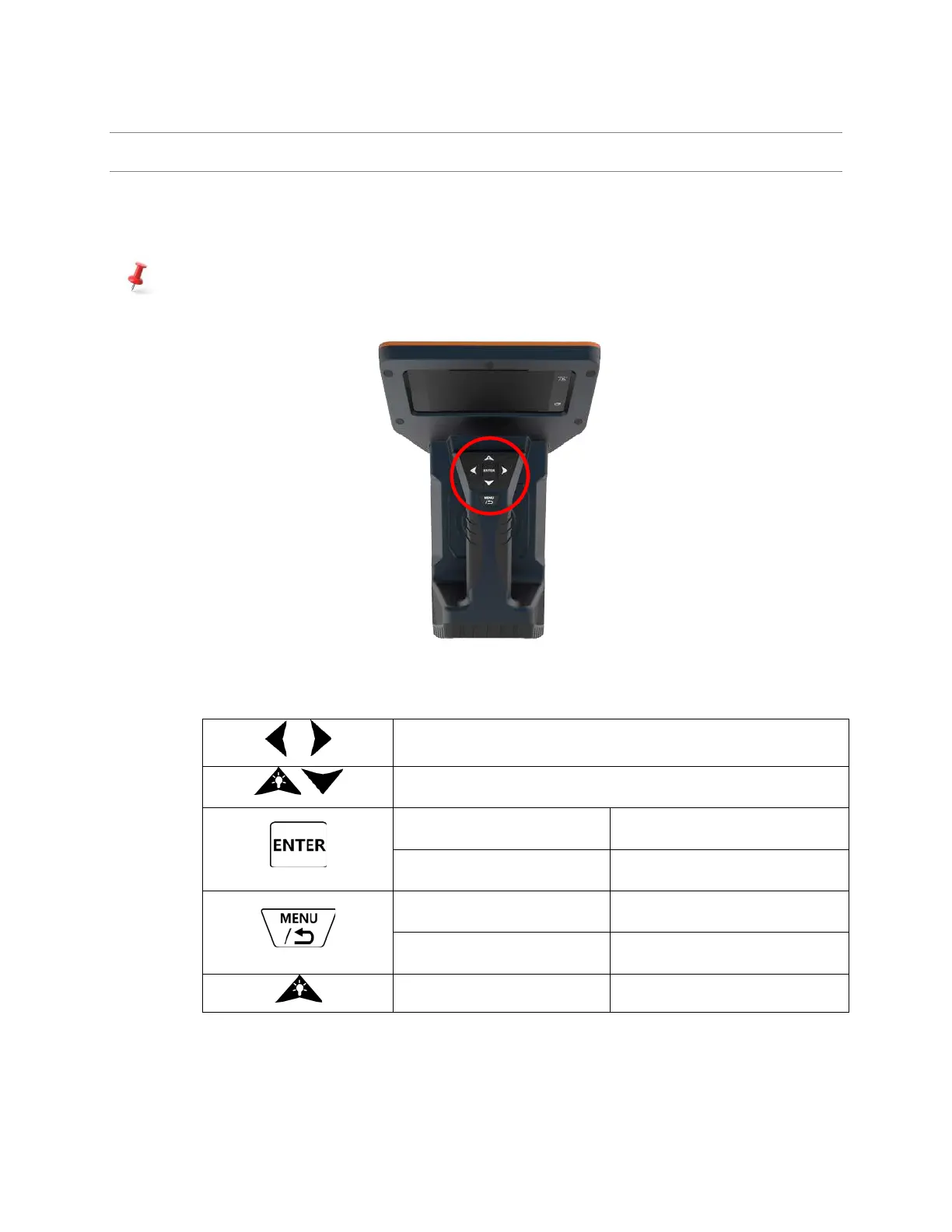
The function buttons of SAM 950 on its handle provides convenient control and operation of the unit in
addition to the touch screen capability. A user can operate the buttons with wearing a glove. The basic
function of each button is summarized in table 4.1.
The button key provide different functions based on menu hierarchy status. Details are described in
each operation mode sessions.
Figure 4.1. Function buttons on the handle.
Table 4.1. Basic function of function key buttons



 To Next Page