SAM 950 Berkeley Nucleonics Corporation 51 of 62
CHAPTER 6. COMMAND CENTER SOFTWARE
CONNECTION BETWEEN PDA AND PC
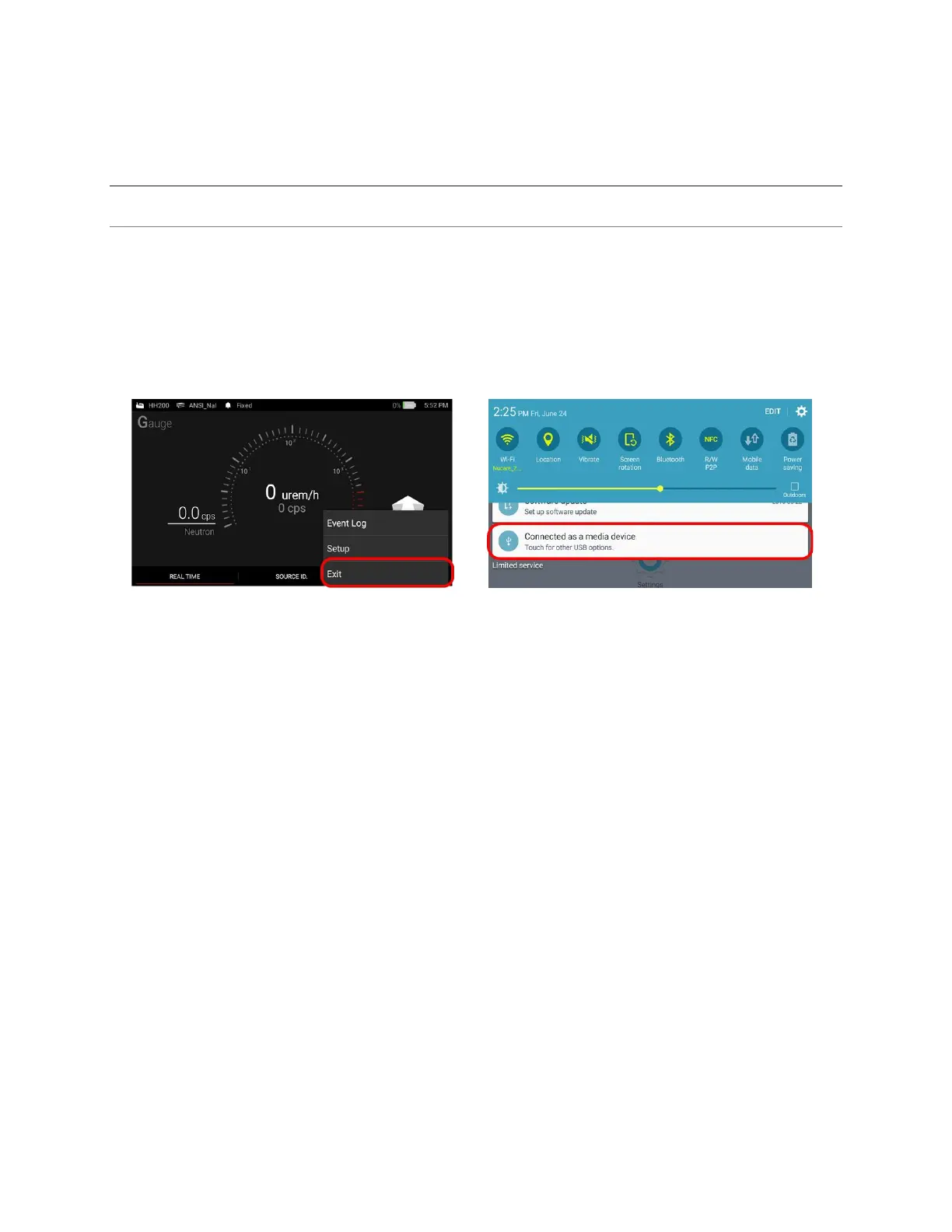
Download of the event log data to the command center database is achieved by connecting the PDA to the
PC with the provided USB cable. The procedure is detailed below:
1. Exit the PeakAbout software
2. Connect SAM 950 to the PC using a USB cable. The USB port is located on the back of the SAM
950 unit.
3. From PC, open PeakID software.
4. Refer to the PeakID software chapter for backup/management database.
Figure 6.1. PDA to PC Connection (Typical)



 To Next Page