SAM 950 Berkeley Nucleonics Corporation 56 of 62
RADIONUCLIDE LIBRARY MANAGEMENT
The nuclide library is managed by the command center software installed on the PC. Only administrator can
upload built-in library to the PDA. To upload a libray:
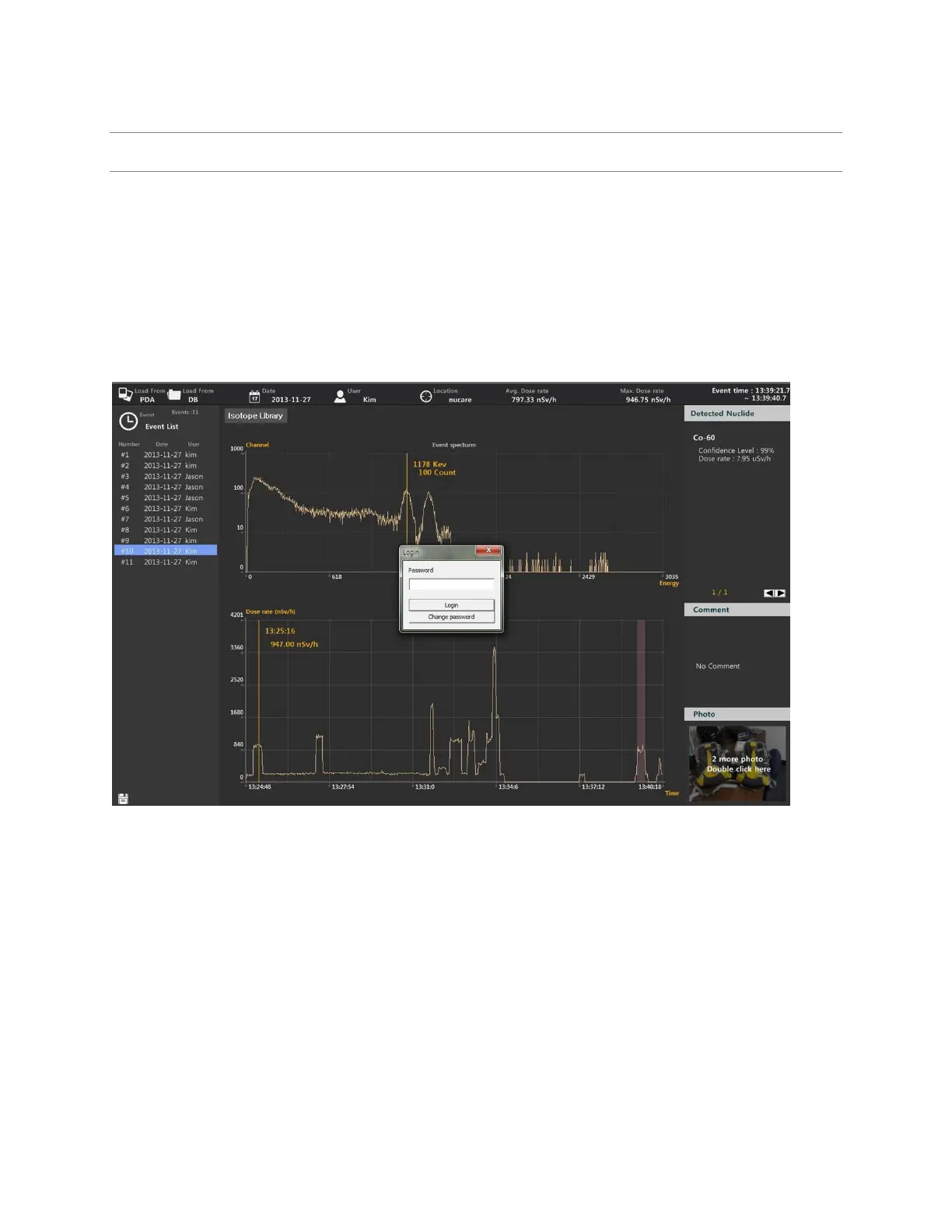
1. Open the nuclide library by clicking the “Isotope Library” button.
2. Enter Administrator password and login (figure 6.5)
3. Select library from the list (figure 6.6 left)
4. Click “Upload to PDA”
Figure 6.5 Administrator login for uploading library



 To Next Page