SAM 950 Berkeley Nucleonics Corporation 57 of 62
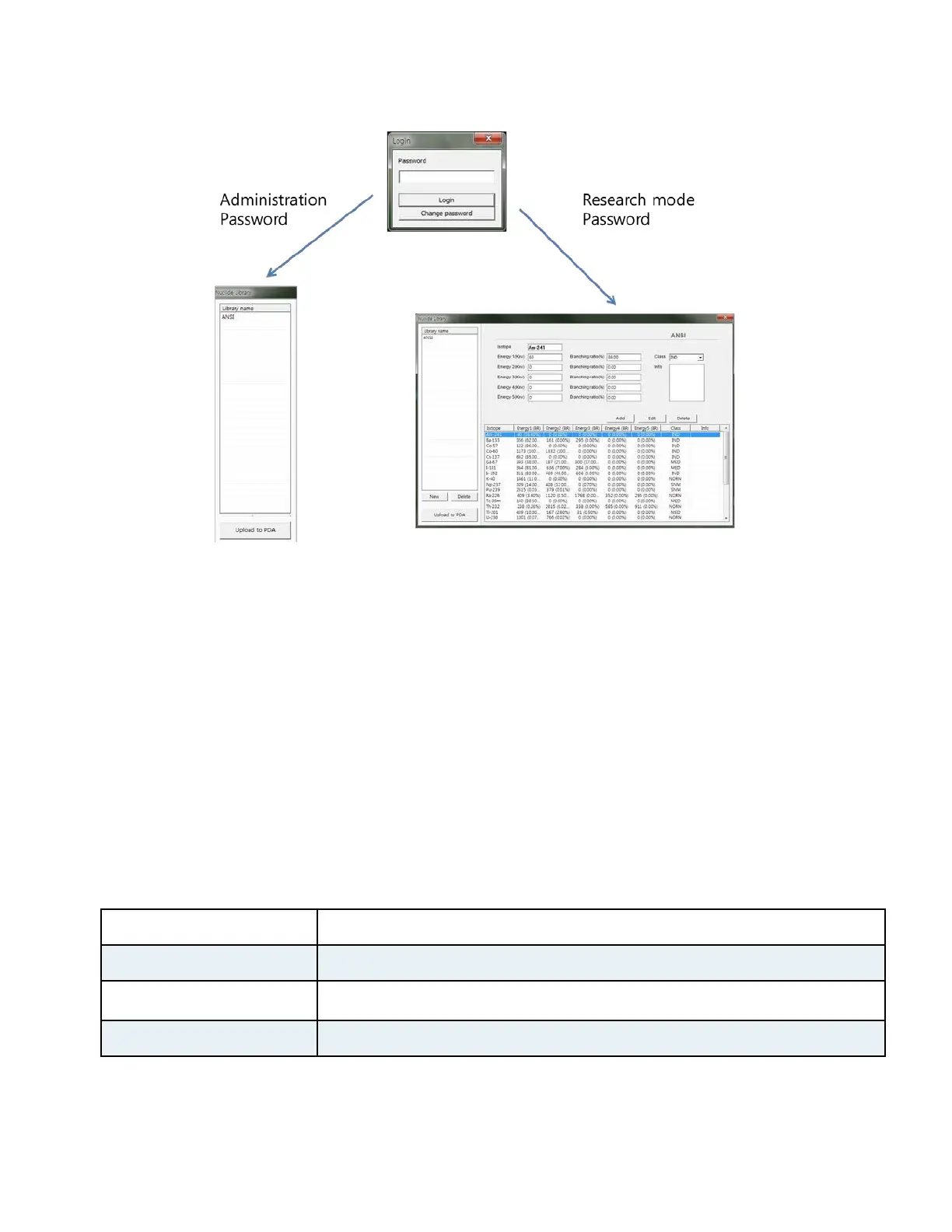
Figure 6.6 Administrator mode vs. Research mode selection
In research mode only (using factory defined speciall password with instruction) user can add, edit, or delete
the library as described below.
1. Open the nuclide library by clicking the “Isotope Library” button. The Nuclide library management
screen will appear (figure 6.6 right).
2. Press “New” button to generate new library or select library from the “Library name” list to modify
exesting library
3. Add nuclide: type in information for the new nuclide and click the “add” button
4. Edit nuclide: select a nuclide from the list and edit the information as desired
5. Delete nuclide: select a nuclide from the list and click ‘delete’ button.
6. Upload to PDA: click “Upload to PDA” button.
Table. 6.1. Detectable Idotope List



 To Next Page