SAM 950 Berkeley Nucleonics Corporation 38 of 62
CHAPTER 5. OPERATIONAL INSTRUCTIONS
STEP 1 . PREPARE THE SAM 950 FOR OPERATION
1. Fully charge the SAM 950 unit
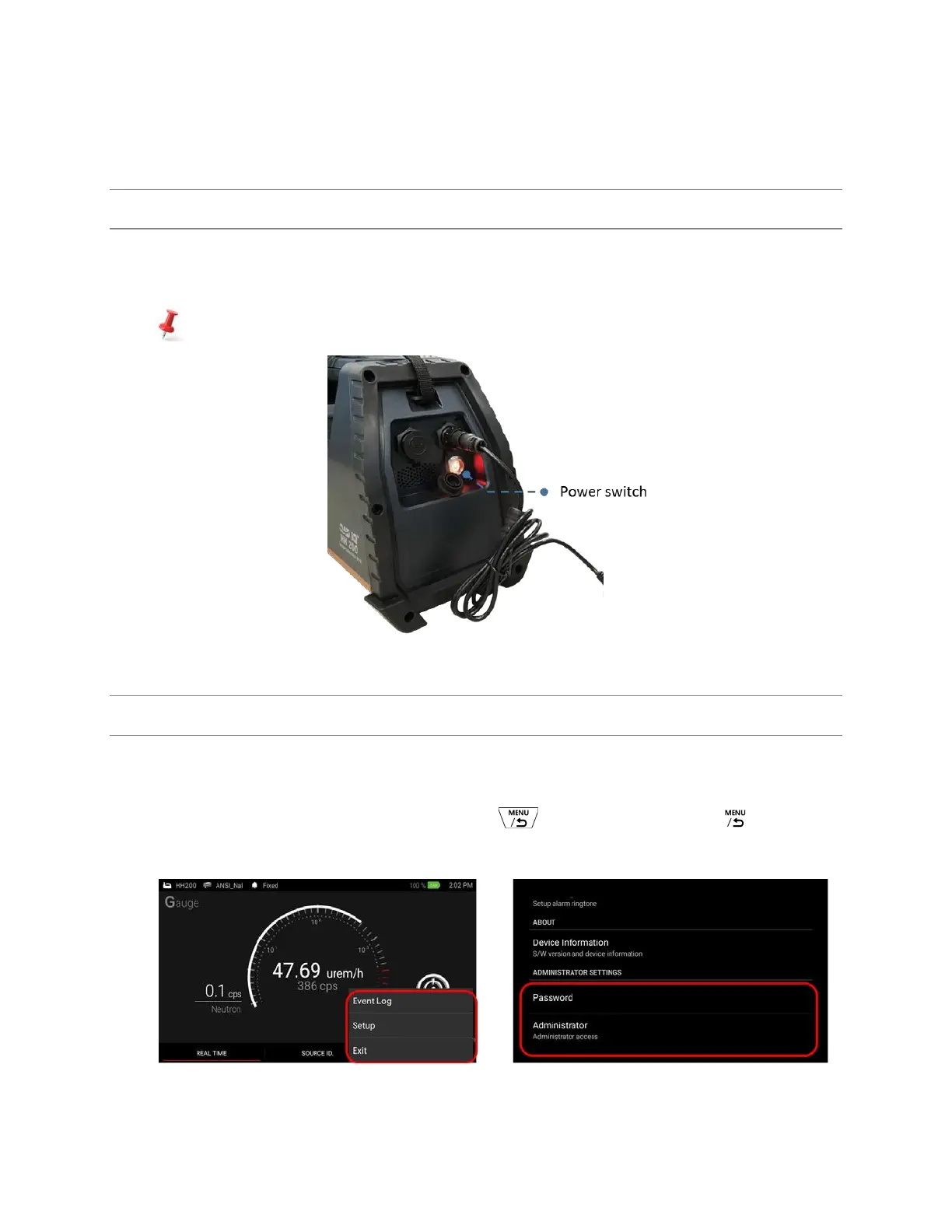
2. Turn power ON. The red LED lamp is turn on.
Both the SAM 950 unit and imbedded PDA are charged and powered simultaneously.
Figure 5.1. SAM 950 charge and power up example
STEP 2. LOG IN
1. Log in as User or Administrator (password protected).
2. To change password, setup the password as shown in figure 5.2.
3. Setup menu can be access by press menu button( ) on the handle or Touch ( )icon on the
touch screen
Figure 5.2. login example



 To Next Page