SAM 950 Berkeley Nucleonics Corporation 60 of 62
Step 2. Event analysis from the database
All the events collected from multiple PC100C units may be stored in a single database and managed by the
command center software.
Display and analysis of the events in the database do not require that a PDA is connected to the PC.
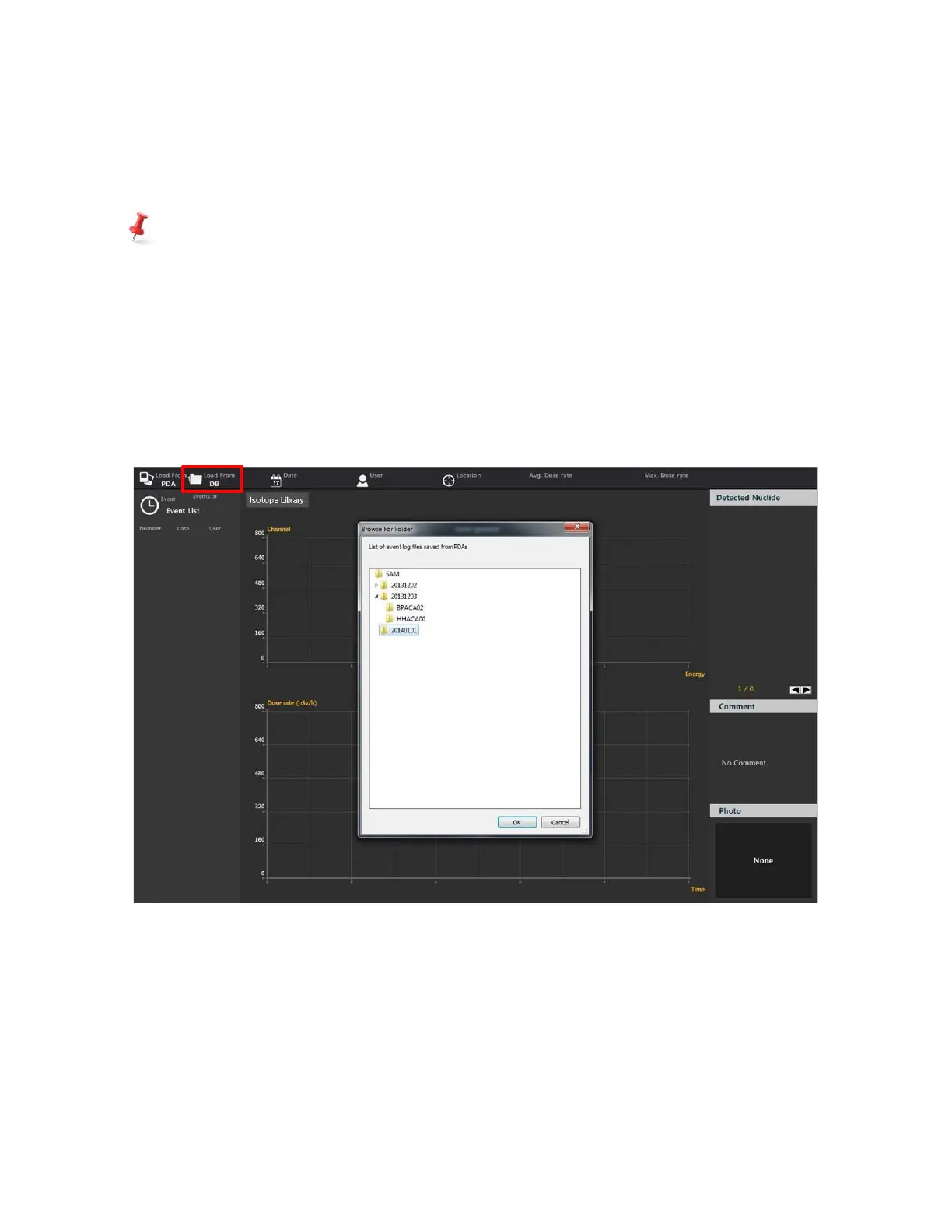
1. Click “Load from DB”. The database folder information popup appears (figure 5.9 below).
2. Click on the folder of interest. Sub-folders are sorted according to connected SAM 950 devices.
3. Select the sub-folder for the desired SAM 950 unit.
4. The list of event(s) for the selected folder is displayed in the “Event list” window.
5. Select the desired event from the list. The spectrum will appear in the “Event Spectrum”
window.
6. The time of day and acquisition time are highlighted in the “Real time activity window”.
Figure 6.8. Event log download from database



 To Next Page