10 en | For your information
FPA-5000 | FPA-1200 | AVENAR panel 8000 |
AVENAR panel 2000 | AVENAR keypad 8000
2022-01 | 5.0 | F.01U.378.877
User Guide
Bosch Sicherheitssysteme GmbH
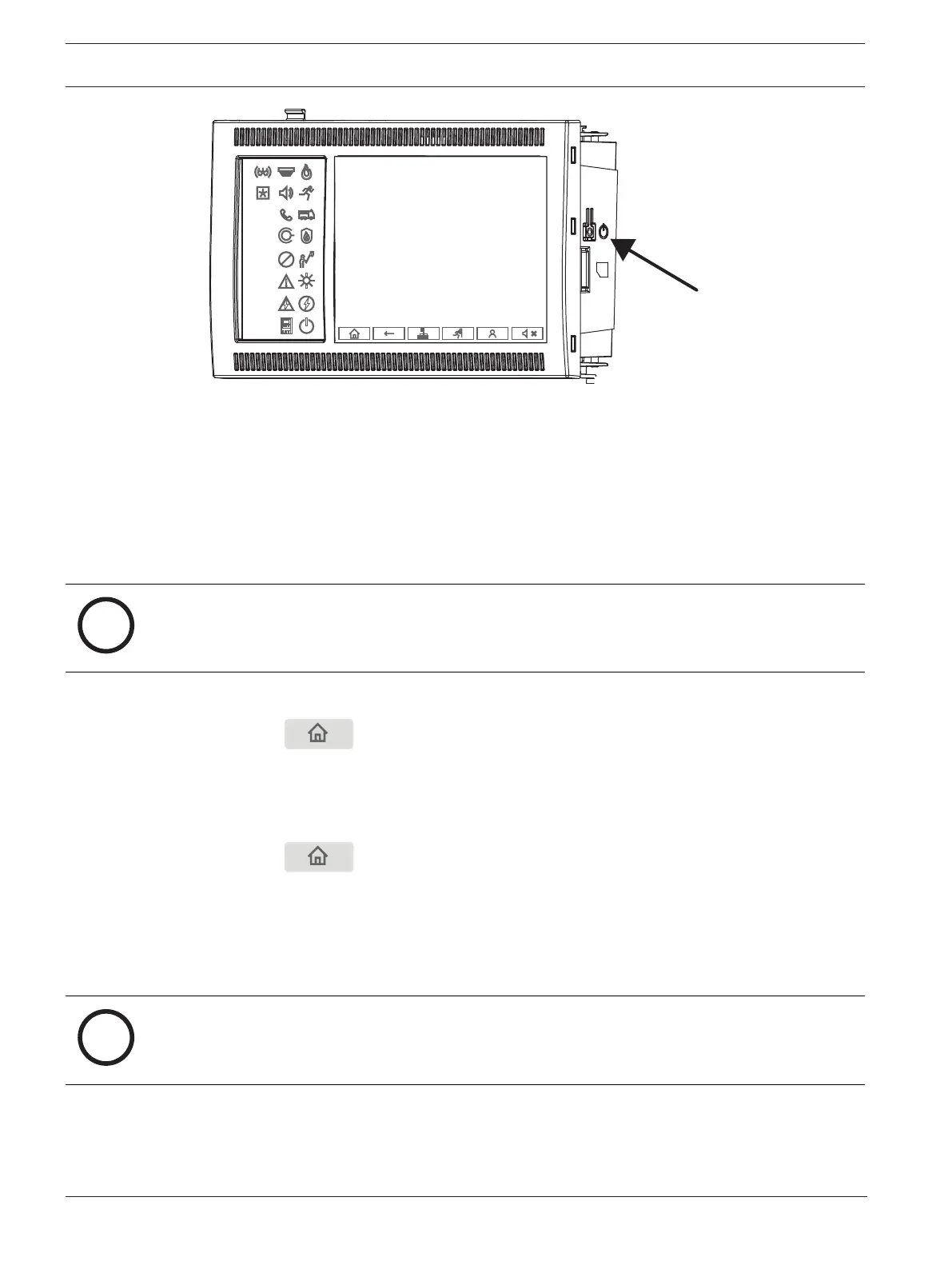
For details see
Switch on and switch off, page 21
.
Calibration of the touchscreen
The calibration of the touchscreen is started via the boot menu, which can be called up during
the boot process of the panel, for details see
Boot menu, page 90
.
Refer to
– Boot menu, page 90
2.2 Open Source license agreement
Notice!
Bosch Sicherheitssysteme GmbH uses Open Source Software. For more information see
https://www.boschsecurity.com/xc/en/oss/.
2.3 Calling up the start menu
4 Press .
You can use this key to return from any submenu back to the start menu.
2.4 Changing language display
The panel language can be changed quickly with a shortcut:
1. Press to open the start menu.
2. Press 1 on the alphanumeric keypad.
3. Select OK to confirm the entry or Cancel to cancel the operation.
A list of the existing languages is displayed.
4. Select the language you require.
All display elements are now shown in the selected language.
Notice!
After a system reboot following a power cut or battery failure, the default language set in the
FSP‑5000‑RPS is displayed again.









 To Next Page