68 en | Mechanical installation of Contribution Devices DICENTIS
2021.01 | V2.2 |
Hardware Installation Manual
Bosch Security Systems B.V.
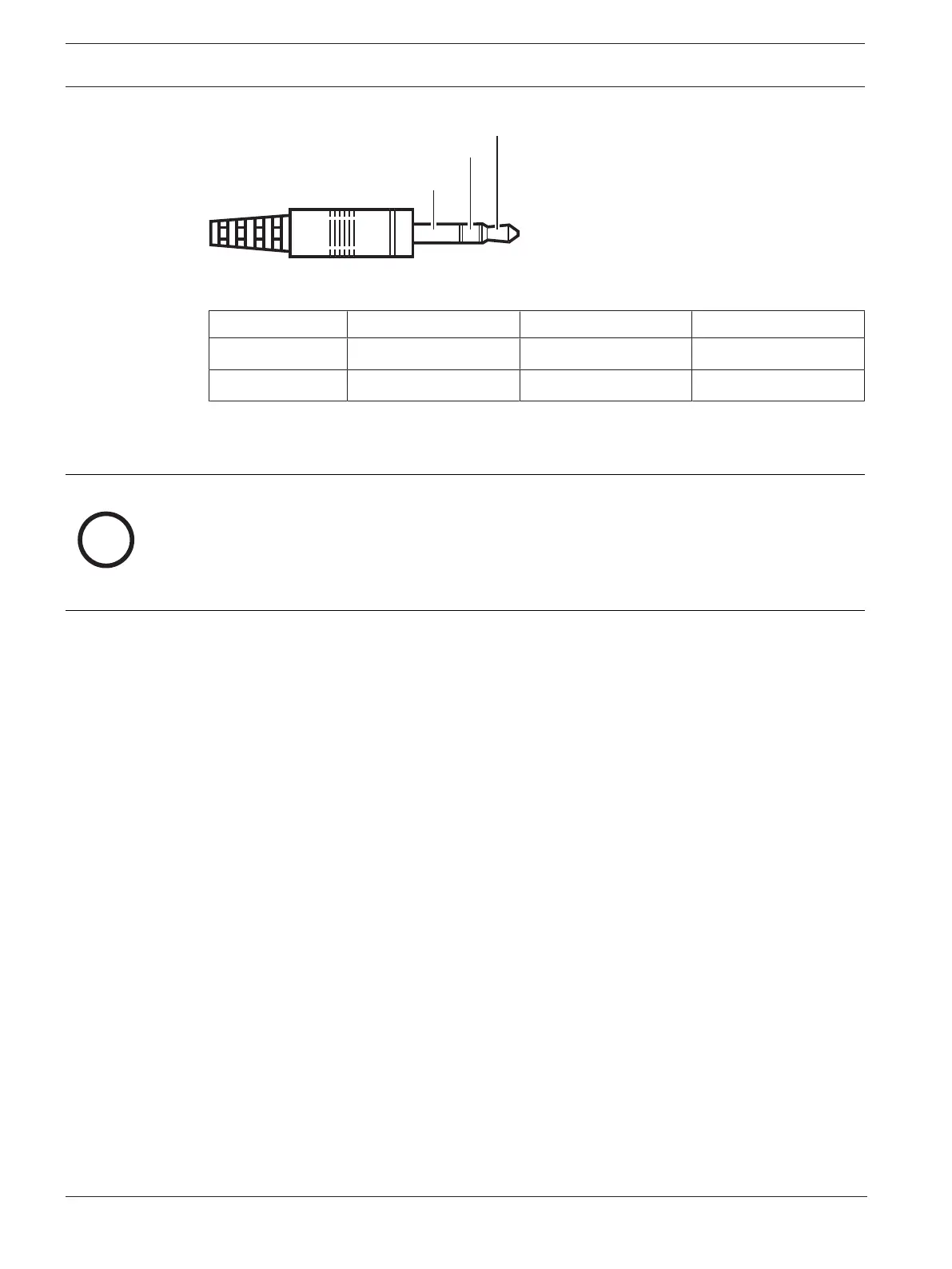
Figure7.7: Headphone jack connection
Tip Ring Sleeve
Normal Audio R Audio L GND
DCNM-FSL Signal GND Not connected
Tab.7.15: Headphone jack connection
Notice!
The jack connector must include internal plug detection, which is used to enable the display.
The display will not turn on if you use an incorrect connector (it should have a "jack inserted"
switch). If you do not want to use this function, you must connect the detect signal to GND,
so that the device thinks that a headphone is connected. Please note that this will cause the
buttons' LEDs to be always on, which results in a shortened lifetime of the buttons' LEDs.













 To Next Page