Page 90 P/N: 4998122677Cr1 Copyright 2003 Bosch Security Systems DS7240-UK Reference Guide
PART III: PANEL PROGRAMMING
35.2.1.1 24-hour Control Input Zone Function Types
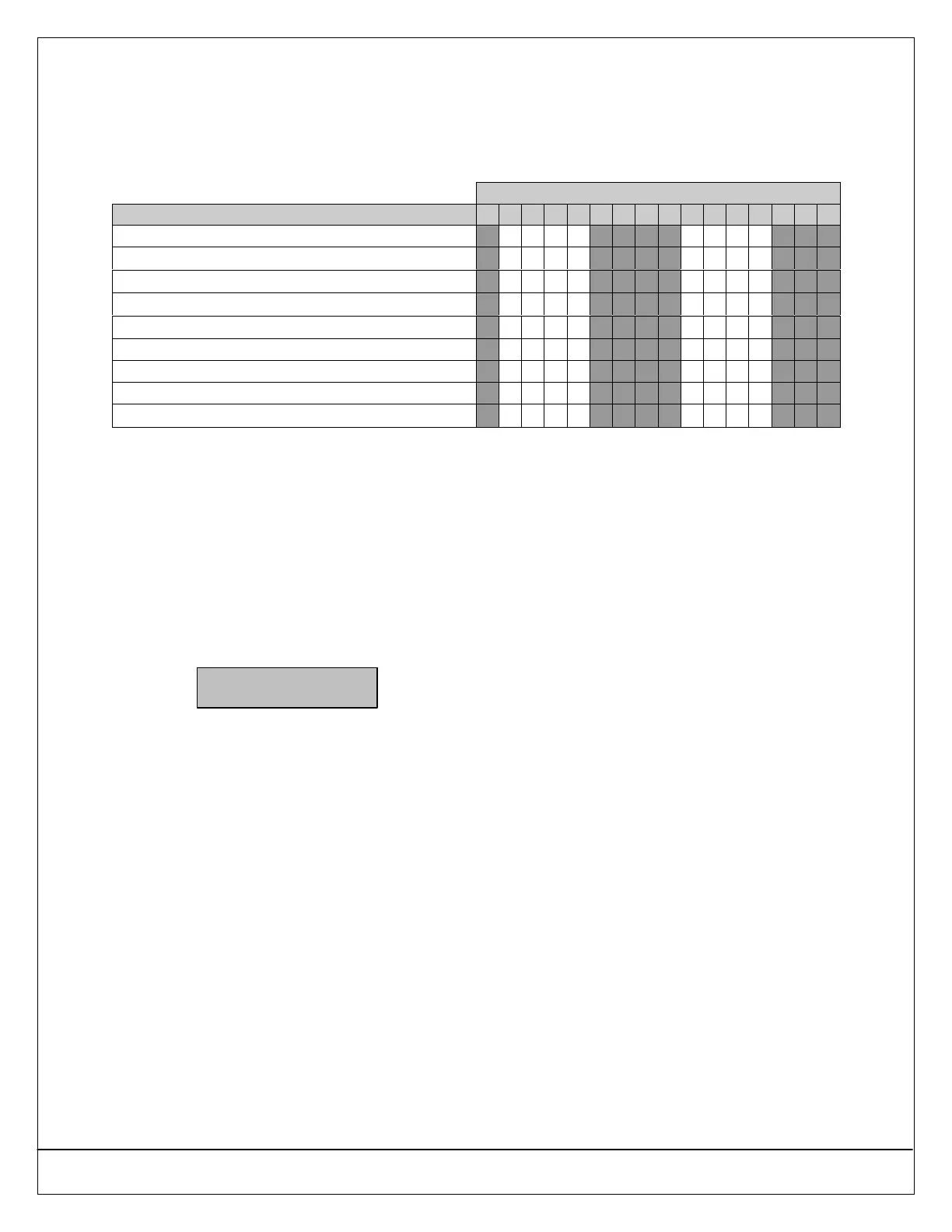
If the 24-hour Control Input type (Selection 3) is entered, use the following table to choose the desired zone function type. To
program the Control Input zone function:
1. Enter a “3” in the appropriate Location Zone Function address (see Table 20).
2. Enter a value (1-4, 9-12) using the following table in the appropriate Zone Function Options 1 Address 0925 (see Table
22 on page 93).
Enter This Data Digit to Select Options
24-hour Control Input Options 0 1 2 3 4 5 6 7 8 9 10 11 12 13 14 15
Reserved
Voice Active Control Input
•• ••
Alternate Communication Path Fault Input
•• ••
Alarm Reset Control Input
•• ••
Silence Outputs Control Input
•• ••
Reserved
Reserved
Reserved
No EOL Required
•• •• •• ••
• Voice Active Control Input: Input functions as a Voice Active zone. The panel must be off-hook and sending a report from
a zone with the Voice Verification option selected. If the input goes into “alarm” within 30 seconds after the report is sent, all
alarm outputs and keypad sounders assigned to the same area as the input zone are silenced. Activation of this input does
not create any events in the history log or send any reports. When the input restores from “alarm,” the audible devices will
resume sounding if any bell time remains. The keypad sounders return to the alarm sound.
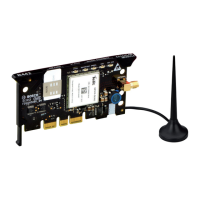
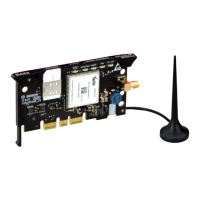
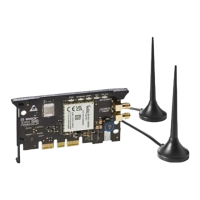
• Alternate Communication Path Fault Control Input: Various external modules may be connected for sending reports.
This input allows the external modules to signal that it is unable to send reports. When this input goes into “alarm,” the panel
goes into a System Trouble condition. Event 167 is placed in the history log and its report is sent if there is means of sending
the report. When this input restores from “alarm,” Event 168 is placed in the history log and its report is sent. The System
Trouble condition clears based on the configuration of the “Phone Line Fault Requires Reset” feature (see Section 24.1
Phone Line Options on page 34).
The System Trouble is viewable on the LCD keypad. Whe the key sequence [#]+[4]+[2]+[0] is entered to view the cause of
the Call for Service message, the LCD keypad displays the following:
Alternate Comm
Device fault.
On the LED keypad, when the key sequence [#]+[4]+[2] is entered, LED 2 turns on steady to indicate an alternate
communication trouble. From DSRPS, when this input zone is in an alarm condition, DSRPS displays that a phone line fault
exists.
• Alarm Reset Control Input: When a confirmed alarm condition occurs, the alarm remains on the keypad until the installer
resets the panel. The panel cannot be armed until it is reset. This control input allows the central station to communicate with
the panel through an external module and remotely reset the confirmed alarm condition. This reset can only occur if the
panel is disarmed (unset). This input can only reset a confirmed alarm in the same area as the assignment of the control
input. When this input goes into “alarm,” the confirmed alarm is cleared. Restoral from “alarm” on this input type does
nothing. Activation of this input does not create any events in the history log or send any reports.
• Silence Outputs Control Input: The input zone functions as a bell silence zone. When the input goes into “alarm,” all alarm
outputs and keypad sounders assigned to the same are as the input zone is silenced. The conditions are silenced as soon
as the input goes active. Activation of this input does not create any events in the history log or send any reports. When the
input restores from “alarm,” the audible devices will resume sounding if any bell time remains. The keypad sounders return to
the alarm sound.
• No EOL Required: This option determines whether the previous options function with normal EOL supervision or without
any EOL supervision.


 To Next Page