22 en | Programming NurseCall Main Unit
F.01U.252.699 | V1.1 | 2012.01 User Manual Bosch Security Systems
4.1.2 Programming with the NPS software
The NurseCall system can be programmed with a specific software called NPS.
To connect and set the interface, see Section 3.2.6 Connecting the RS-232, page 17.
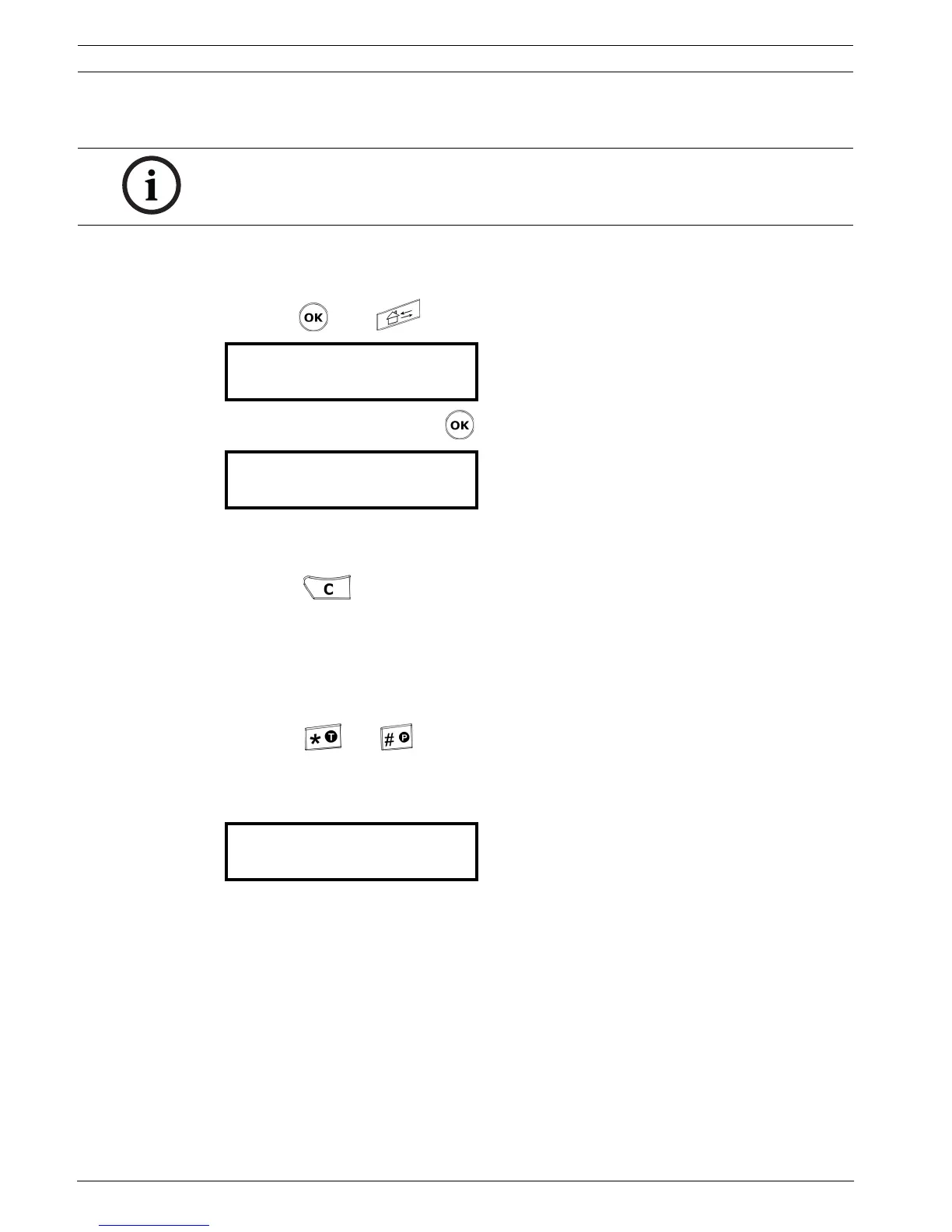
Enable the programming
1. Press then .
2. Confirm the command with .
4.1.3 Exit the programming mode and cancel entries
Press once or several times.
4.1.4 Key not allowed
If you have pressed a key by mistake during the programming, a high-pitched beep is
generated.
4.1.5 Locking and unlocking the keyboard
Press then within one second to lock or unlock the keyboard.
This function locks only the keyboard to prevent any false manipulation. The colored buttons
on the left hand side are still available.
When the keyboard is locked, a small lock appears at the bottom right of the display:
4.1.6 Programming time-out
Programming of the NurseCall Main Unit terminates automatically if no entries are made
on the keyboard for more than one minute.
4.2 First use
At first use or when resetting all the parameters, you must program:
the unit language
the locating mode
the display mode for the transmitters’ identification
See Section 4.4.2 Resetting all the parameters, page 34.
NOTICE!
In order to program the NurseCall Main Unit with this software, you should connect your PC to
the NurseCall Main Unit with an RS-232 cable.
¬ NPS Programming
READY ?...
¬ Programming NCall
.............
DATE: 03.01.12 ¨
TIME: 12:12:31 ½



 To Next Page