34 en | Programming NurseCall Main Unit
F.01U.252.699 | V1.1 | 2012.01 User Manual Bosch Security Systems
4.4 Special settings
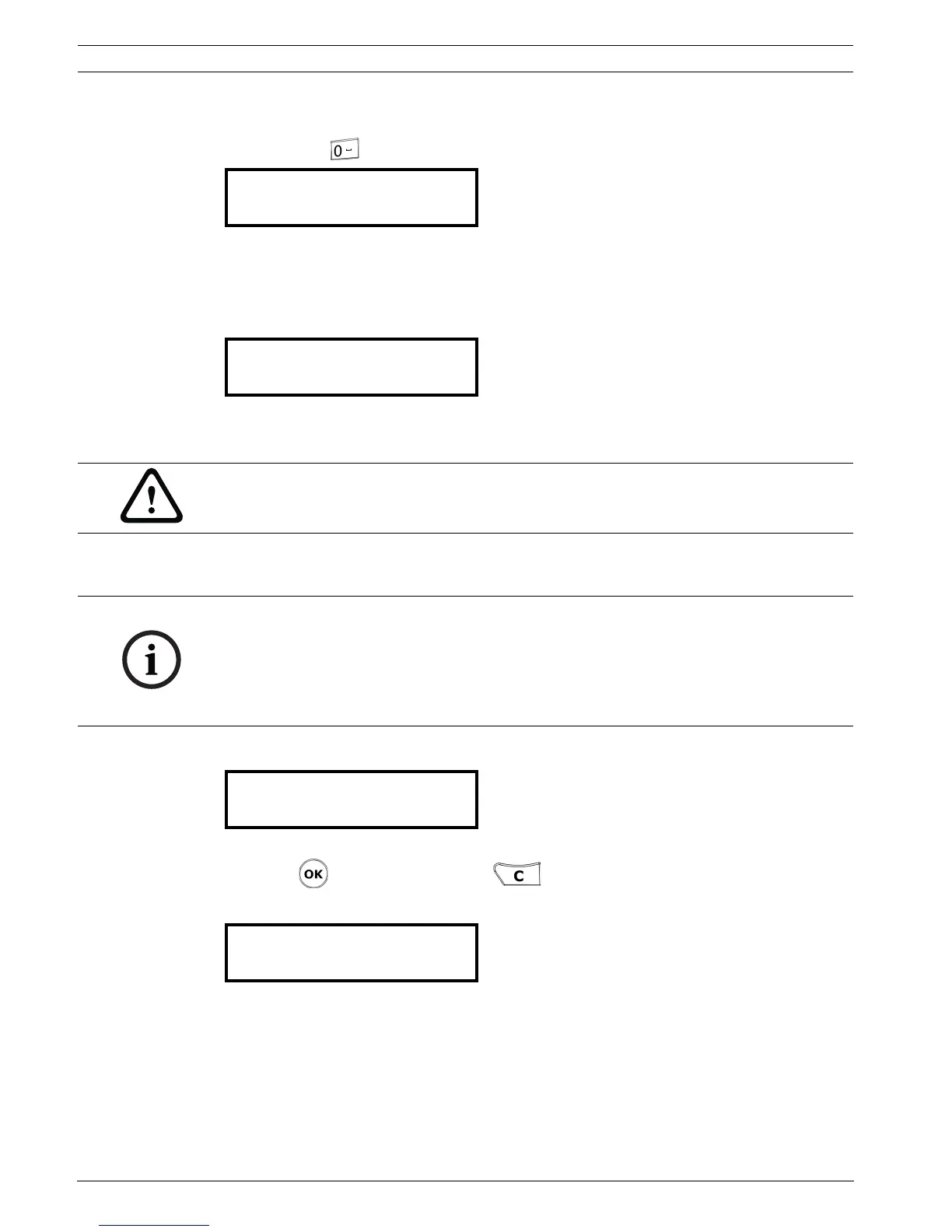
After pressing three times quickly, you can enter special codes.
4.4.1 Displaying firmware version
1. Type the code 194155.
2. The version of the firmware will be displayed for a few seconds.
4.4.2 Resetting all the parameters
The following procedure resets all the programmed parameters of the NurseCall Main Unit to
the original factory settings. See Section 4.2.1 List of original factory settings, page 23.
1. Type the code 194156.
2. A confirmation is required.
Press to confirm the reset or if you wish to cancel the reset.
3. When the unit resets, it emits a short melody and displays a temporary message.
4. After a few seconds, the unit goes back to the first use display.
5. Select the language, the locating mode and the display mode.
See Section 4.2 First use.
Enter Code
Software REV A
V2.01 BN111.240.00A
CAUTION!
Disconnect the RS-485 bus before performing a reset. When you are finished, the RS-485 bus
can be connected again.
NOTICE!
This reset is mandatory if you wish to change the locating mode or the display mode.
See Section 4.2.3 Locating mode, page 24 and Section 4.2.4 Display mode, page 24.
It is also mandatory before setting the NurseCall Main Unit as Universal NurseCall or as
Standard NurseCall. See Section 4.4.7 Standard NurseCall selection, page 35 and
Section 4.4.8 Universal NurseCall selection, page 36.
RESET TOTAL ?
(OK) = YES
Please Wait...



 To Next Page