NurseCall Main Unit Programming | en 27
Bosch Security Systems User Manual F.01U.252.699 | V1.1 | 2012.01
4.3.5 RS-232 output setting
Select one of the following:
–None
–Printer
– Alarm Management SW
–PAGING
–DECT
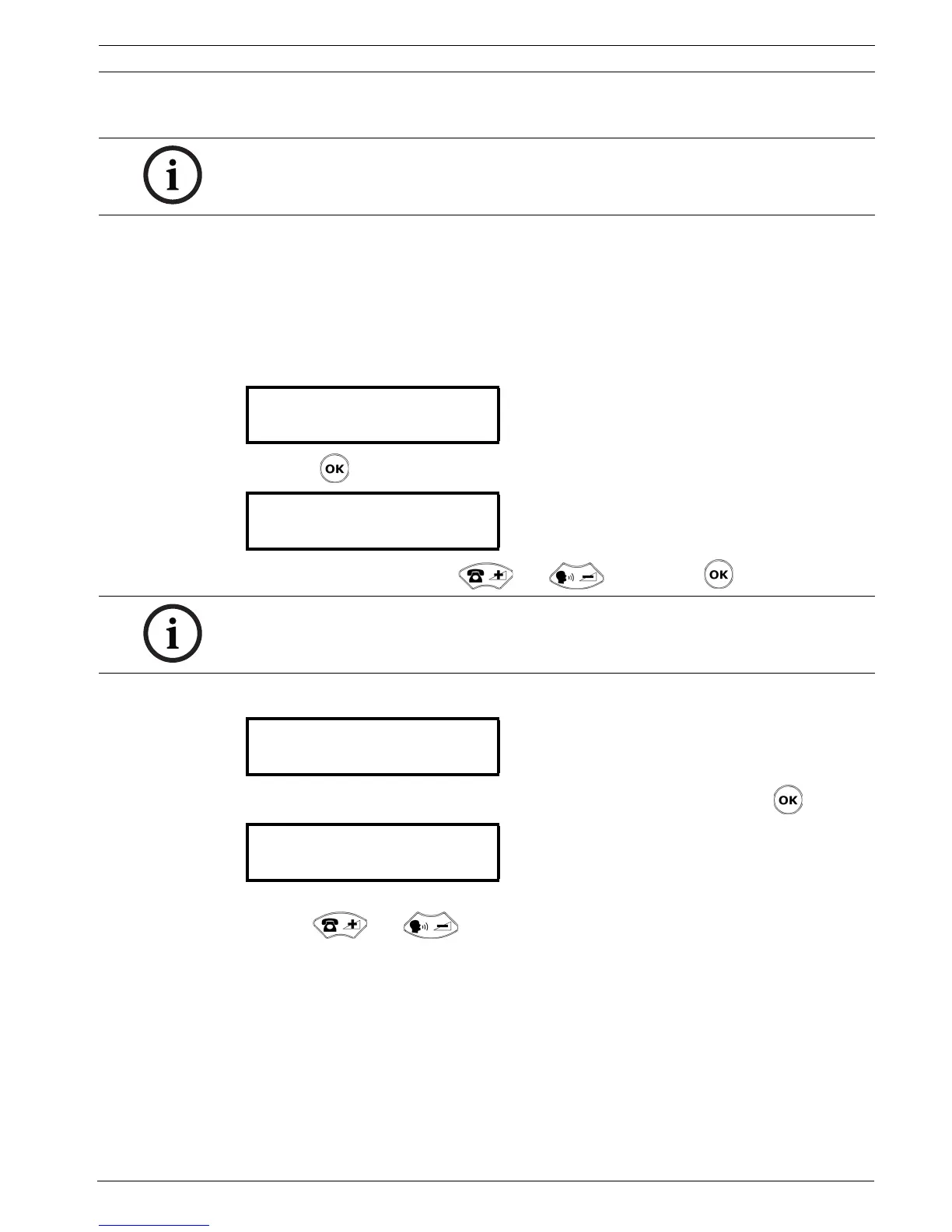
1. Select the parameter Nr. 02.
2. Press .
3. Set the desired value with and . Confirm with .
Setting the interface to Alarm Management Software
1. Select Alarm Management SW in the RS-232 Output menu. Confirm with .
2. Activate (On) or deactivate (Off) the forwarding of transmitter ID via the RS-232 interface
with and . Default value is Off.
NOTICE!
Within the NurseCall Main Unit, the RS-232 interface should be configured with jumpers.
See Section 3.2.7 Setting the jumpers on the communication board, page 18.
¬ Parameter Nr. 02
RS-232 Output ¡
¬ RS-232 Output
None £
NOTICE!
For the values None and Printer, you do not have to define more parameters.
¬ RS-232 Output
Alarm Management SW¡
¬Alarm Management SW
TRansm.ID>RS232:Off¡


 To Next Page
 Loading...

