38 en | Programming NurseCall Main Unit
F.01U.252.699 | V1.1 | 2012.01 User Manual Bosch Security Systems
4.5 Transmitters
4.5.1 Starting programming
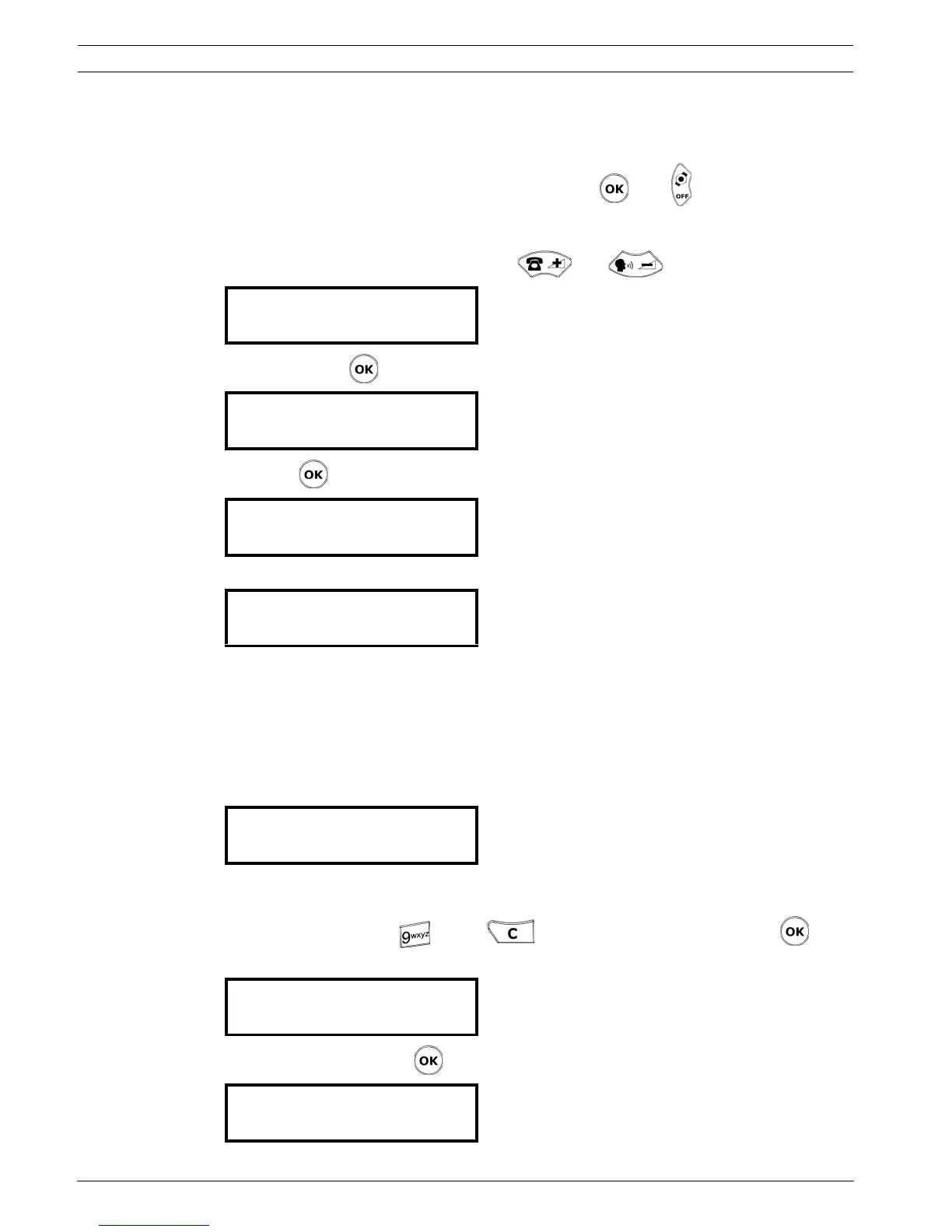
To access the programming of transmitters , press then .
4.5.2 Programming an alarm transmitter
1. Select the alarm transmitter type with and .
2. Confirm with .
3. Press to program the transmitter.
4. Press the button of the transmitter.
XXXX is the ID code of the transmitter.
If the transmitter is not accepted, see Section 6 Troubleshooting and error messages,
page 46.
5. Depending on the choice that you have made for the display mode, enter the value for the
floor, the room and the bed, or for a single 3-digit number, or for a 4-sign display. See
Section 4.2.4 Display mode, page 24.
The following example is for a 4-sign number display:
Enter a value for each sign. Press once to enter the digit of the key that you are pressing.
Press several times to enter a capital letter of the corresponding key. Example: to enter Z,
press 4 times on the key . Press to erase and go back. Confirm with .
6. Enter the pager group value:
7. Confirm the value with .
¯ Transmit. type : 0
Alarm Transmitter £
OK:Program
0:Erase ¤:Info
¯´ Press Radio
Button
¯ Transmitter code
XXXX accepted
¯ Number
Value: ····
¯ Pager
Value: ·0
¯ Transmitter
Stored !



 To Next Page